
Quote Expiration Date Trigger

I would like to extend quote expiration dates (especially for returning guests) versus a standard number of days so I can provide gentle reminders when a quote is about to expire, and the guest has not booked yet. The only current trigger option is the quote creation date.

Hi Jay,
Thanks for the feedback here, that totally makes sense, especially for repeat guests where you want to keep things low pressure but still follow up at the right time.
Just to clarify one piece first, Triggers only control when a message gets sent. They don’t automatically change anything about the booking or the quote itself (like extending the expiration date).
It sounds like there are really two separate needs here:
1) Automatically extending quote expiration dates
OwnerRez doesn’t currently have a way to “auto-extend” a quote expiration based on guest behavior or quote type (like returning guests vs new guests). And in practice, that can get tricky because expiration timing is often a judgment call. For example, should it extend every time the guest opens the quote? Only if they’ve stayed with you before? Only if they replied? Only if dates are still available?
That’s why today it’s more of a manual, case-by-case adjustment, and you can extend it anytime by editing the expiration date directly on the quote.
2) Sending a reminder before a quote expires
This part you can absolutely do today with Triggers, even if the expiration date itself stays the same.
What we’d do is set up a scheduled trigger that goes out “X days after the quote is created” (ex: 3 days after) with a condition that the Quote Status is open. This way if the quote expired or was accepted or anything else it won't send your message. The wording can be a friendly nudge like:
“Just checking in, your quote is still available for now, let me know if you have any questions!”
The only limitation right now, like you mentioned, is that the timing is based on the quote creation date, not the quote expiration date.
But if you set your quote expiration to let's say 5 days, you could send one nudge each day if you really wanted to. And have a different template for each day.
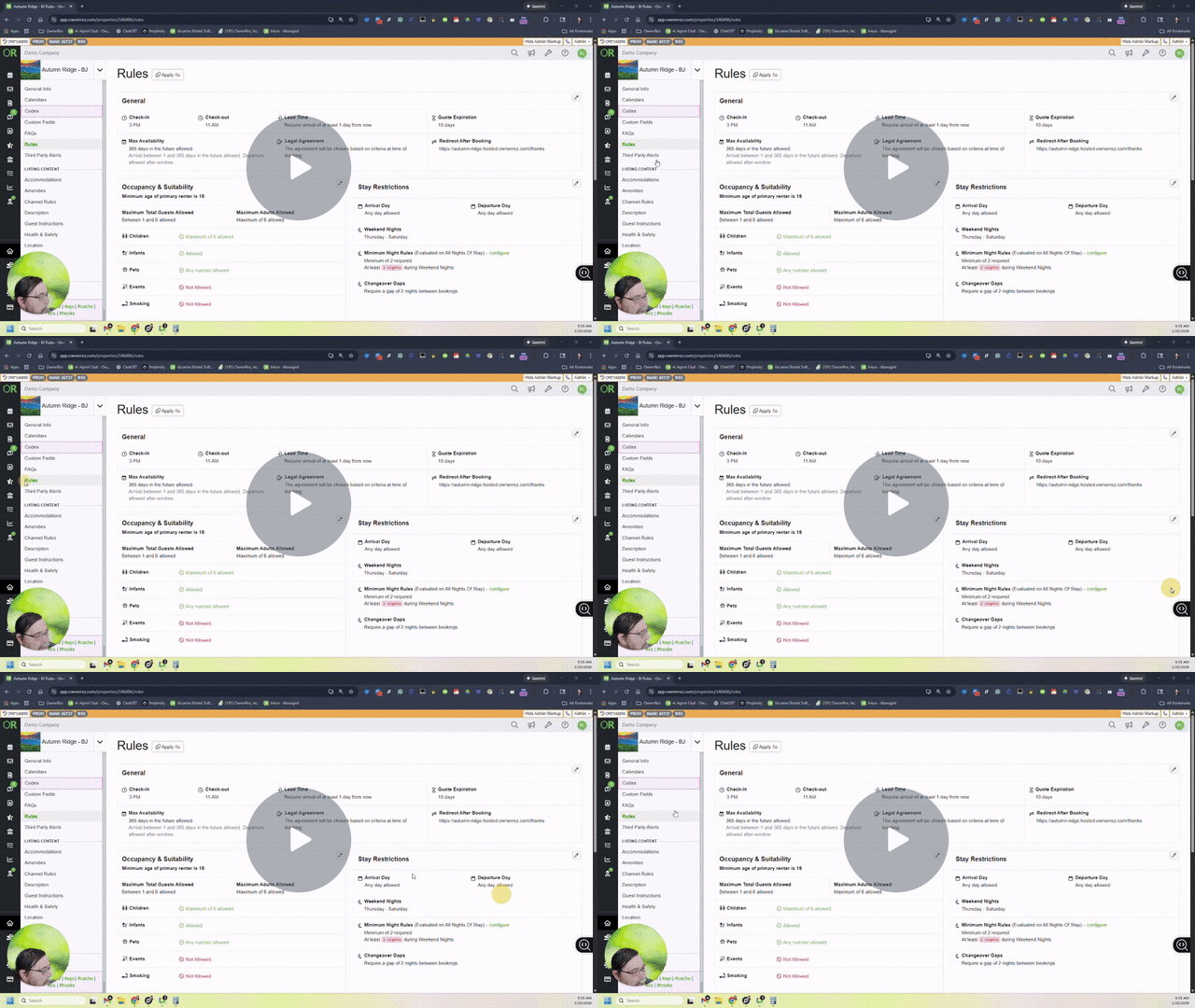
Let me show you how in a quick video:
Managing Quote Expiration and Sending Gentle Reminders - Watch Video
Wow! Love the video response! The more I work with the company, the people, and the technology, the more impressed I am. Thank you.
Apologize for my lack of clarity! In my case, I had a returning guest who needed an extension on the quote expiration date. I would like to trigger a gentle reminder email x days before the quote expires, and possibly the day after it expires. This would allow the expiration date to be extended or shortened while still providing gentle reminders a few days before and after it expires. I was not looking to automatically update the quote's expiration date.