
Stop running reports. Just ask Claude or ChatGPT.
Connect your OwnerRez account once, then get answers, charts, dashboards, and spreadsheets from your real bookings, revenue, and guests. It's free, easy, and works with any MCP-compatible assistant.
Meet OwnerRez MCP
MCP gives compatible AI assistants secure access to your OwnerRez account after you authorize the connection. Once connected, you can interact with your OwnerRez data naturally instead of figuring out which report to run or where to look.
Get connected in three steps
Add OwnerRez to your AI assistant
In Claude or ChatGPT, open the connectors or apps settings and add the OwnerRez MCP server.
Sign in and authorize
Log in with your OwnerRez account and approve the connection. Nothing is shared until you do.
Start asking
Ask about bookings, revenue, channels, or guests in plain language. Your assistant pulls the answer from OwnerRez.
Talk to your OwnerRez data
Connect your favorite AI assistant to OwnerRez and simply ask.
“What bookings are coming in this weekend?”
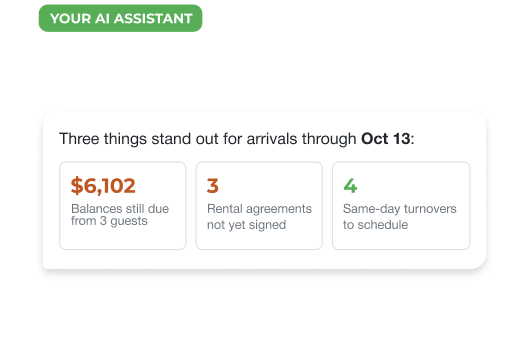
“Which arrivals in the next two weeks still owe a balance?”
“Show me the open gaps in next month's calendar.”
“How much revenue did we book last month compared to the same month last year?”
“Compare this summer to last summer by property.”
“Which properties had the highest average nightly rate this quarter?”
“Which channels are performing best?”
“What share of this year's bookings came direct versus Airbnb and Vrbo?”
“Export revenue by channel for Q3 as a spreadsheet.”
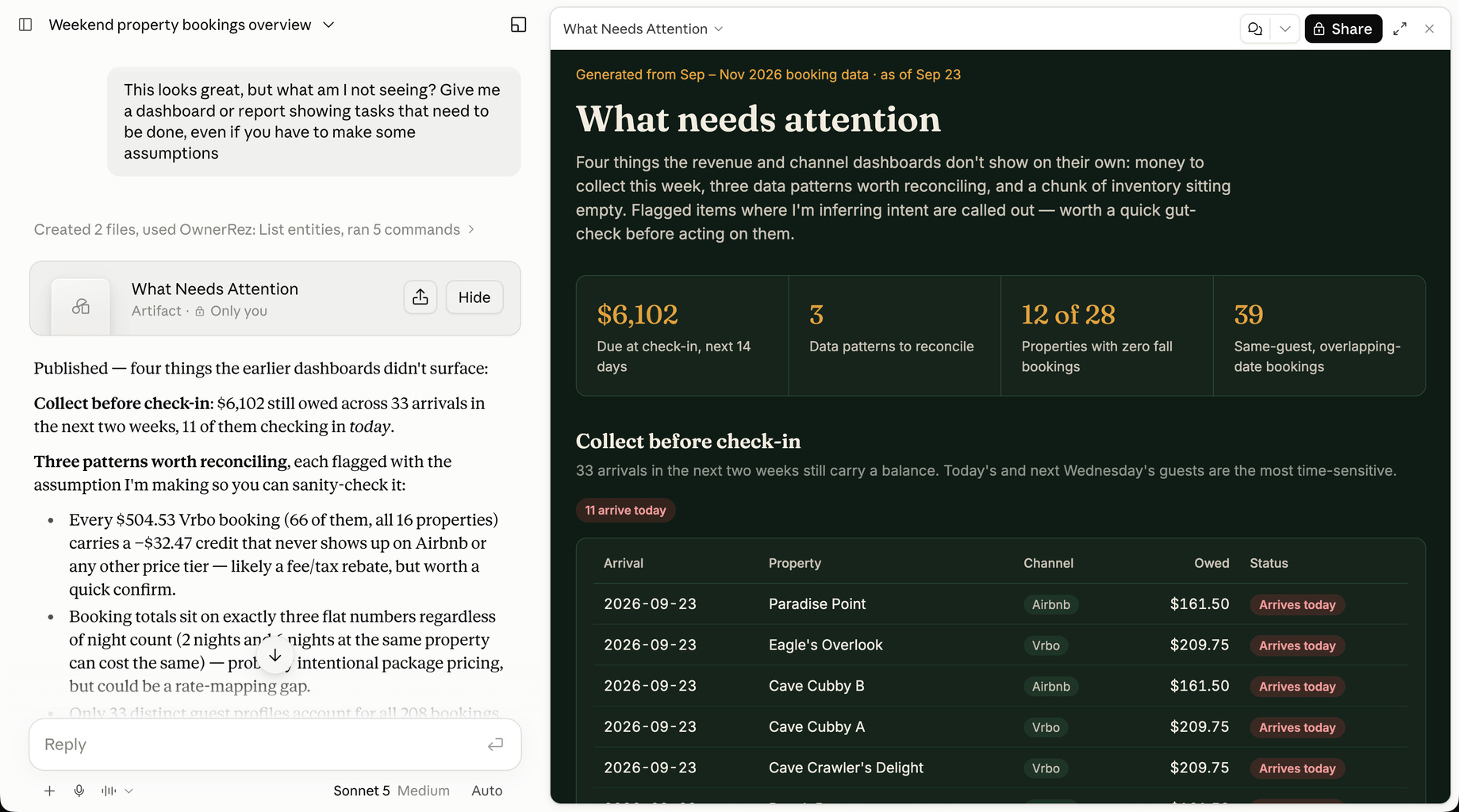
“What am I not seeing?”
“Which properties have same-day turnovers next week?”
“Which properties have no bookings in the next 30 days?”
“Who are my repeat guests this year?”
“Which guests are booked for 7 nights or more this fall?”
“Make a CSV of guests who stayed with us more than once.”
Your data. Your AI. Your questions.
Powered by OwnerRez MCP
"What am I not seeing?"
Stop running reports. Just ask.
Get a clean, sorted answer without picking a report, setting filters, or exporting first.
From numbers to
dashboards in seconds
Ask for a view across your portfolio and your assistant builds a dashboard from your OwnerRez data.
Take it with you
Turn any answer into a spreadsheet you can download, share with your team, or send to an owner.
You stay in control
Your assistant only reaches OwnerRez after you approve it, and you can remove access whenever you want.
Learn more by attending one of our Live or Demo webinars
- Authorized by you
Sign in with OwnerRez and approve each assistant you connect. - Disconnect anytime
Revoke access from your AI assistant or your OwnerRez settings. - Your choice of assistant
Use the AI tool you already pay for and trust.
Frequently Asked Questions
What our customers are saying
OwnerRez is the world's most powerful vacation rental management platform and
the foundation that homeowners and PMs rely on.
 Capterra
 Facebook
 G2
G2
 SA
SA
 Trustpilot
Rated 5.0 out of 5 based on 410 reviews