Show Future Automated Messages in Guest Inbox

We've used Hostaway previously and this was a feature that is was such a benefit to have.
Instead of having to to click through three submenus then search for a trigger message for a specific guest you simply click on the guests inbox and below your "present" communication are all of the scheduled messages. If you don't want to send one or edit it you just click it to change.
Event for the short amount of time we've been using OwnerRez this has been one of the biggest headaches to navigate because guests change plans and it's difficult to search and change messages.

Hello,
I agree this could be a nice enhancement to the Inbox experience. Being able to see and manage upcoming scheduled messages without leaving the conversation would make those situations much easier to handle, especially when guests change their plans. That said, we'd also want to be careful not to further clutter the Inbox, since its primary purpose is to help users focus on incoming guest communications.
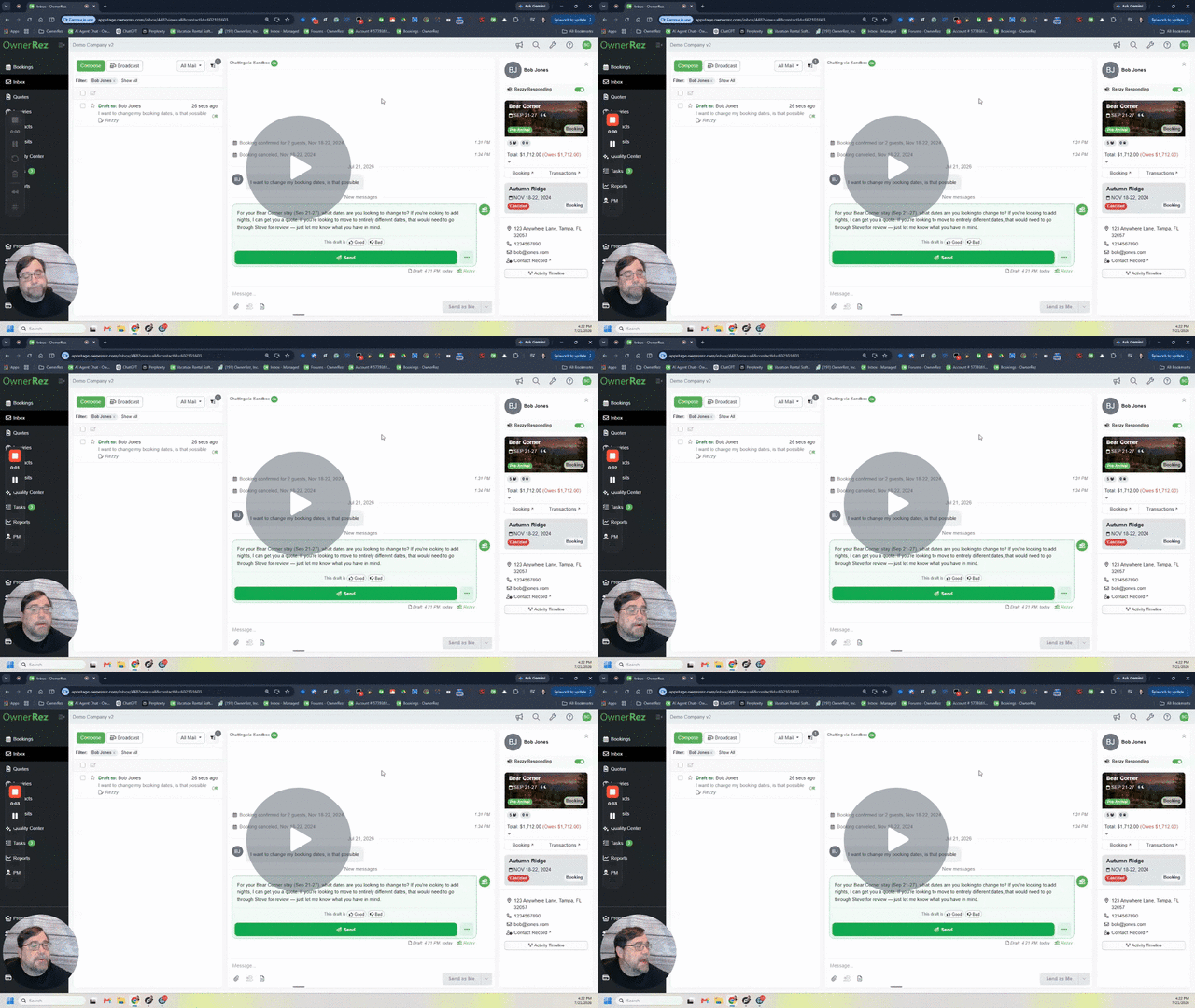
In the meantime, this functionality is available from within the booking itself. You can view and manage scheduled messages by opening the specific Booking and navigating to the Messages tab. There you'll see all upcoming triggered messages, along with their scheduled send times and current status (Pending, Sent, Failed, etc.).
From the Actions menu, you can also choose to Skip a scheduled message or Send Now if needed.
Let me show you how that works:
Control Triggered Guest Messages starting from Inbox - Watch Video
I can certainly see the convenience of having this information surfaced directly in the Inbox, so I appreciate you taking the time to share your experience.
This Feature Request is open for the community to vote on. The more feedback and votes we receive on a request, the better we can gauge customer demand, which helps our Product team prioritize items for future roadmap planning and development.
-Steve
Thanks for sharing the Loom Steve.
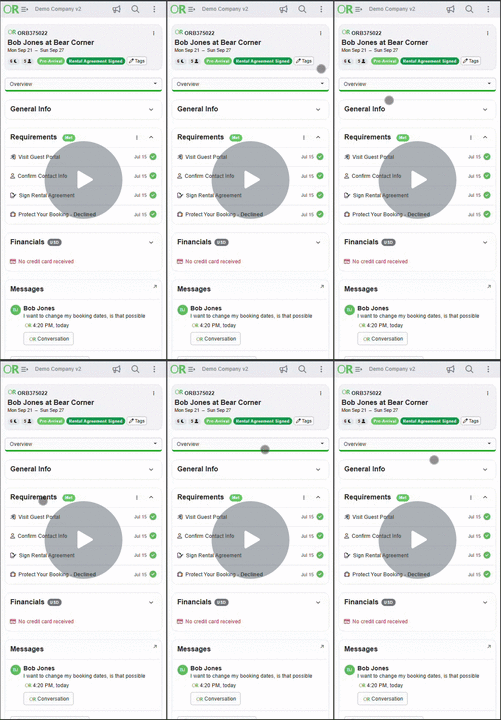
Is the functionality there via the app? That's where we're communicating 90% of the time and I attempted to follow the same click path but when I click on booking and messages it just shows the current messages.
Yes same path is available... just instead of a link it lives in a drop down I think...
Let's take a look
Navigate from Inbox to Booking Messages in Mobile - Watch Video