
Redirect feature doesn't work for Facebook

I set up a redirect link and if I type out the pretty link in my browser, it redirects me to the ugly link and works just fine. However when I posted the pretty link on Facebook, and clicked on it, it took me to a "missing page" on my hosted website, instead of the property. There is sth in Facebook redirect functionthat is messing this up. How to fix this?

Try Facebook's Debugger to see if it helps: https://developers.facebook.com/tools/debug
After it populates the page from the first Debug, click Scrape Again.
It didn't work.
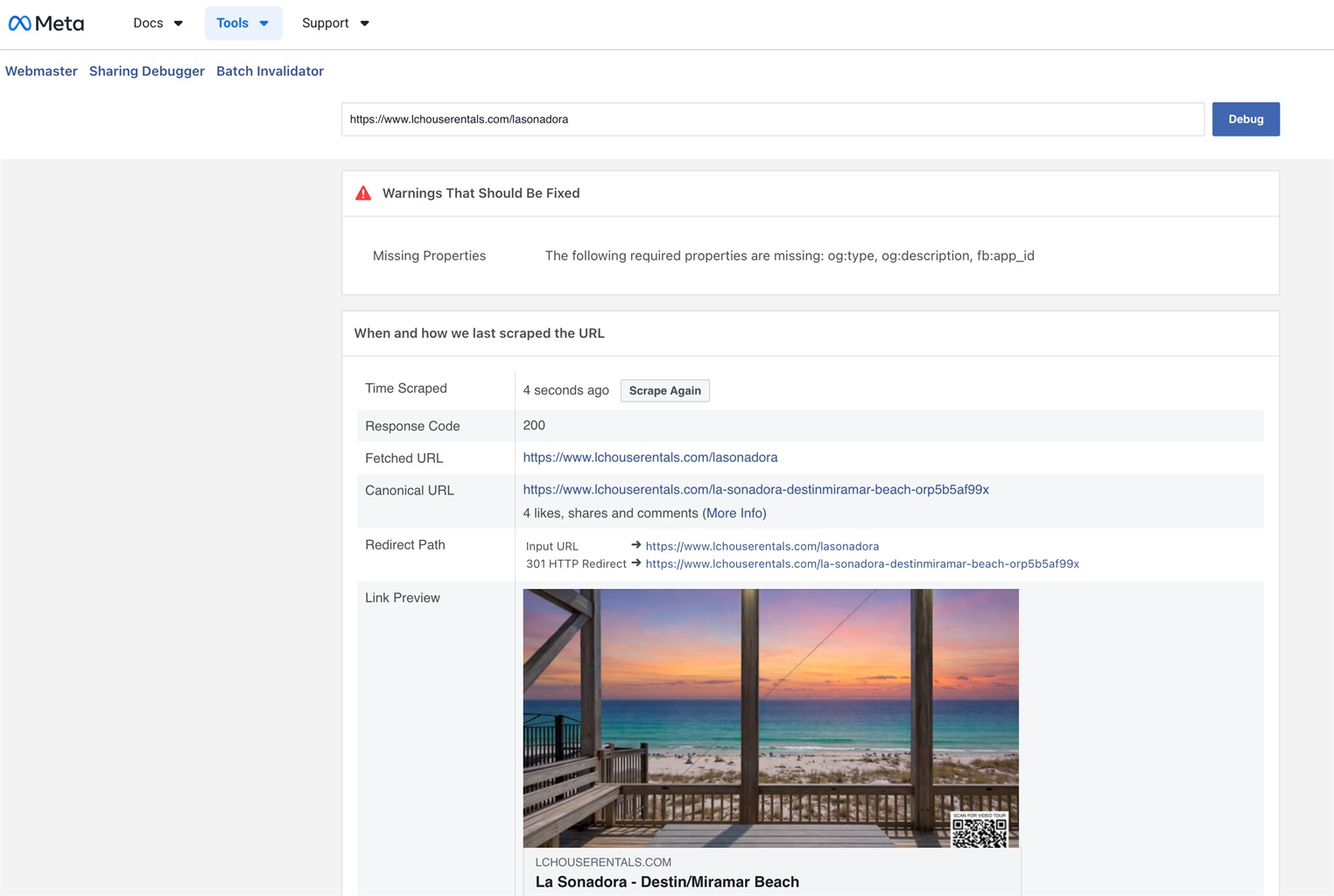
Maybe I'm misunderstanding the issue. The FB debugger seems to be correctly grabbing your link (identifying the redirect path) and showing the right image and title. Have you tried sharing it on FB again? Where are you still seeing/getting the missing page error message?
Yes I tried many times after debugging. Instead of taking me to the property’s page, it kept taking me to the “missing page showed in the original post.

Hey LC House!
To confirm, are you using the redirect link configuration for hosted websites so that the ORP# isn't displayed at the end of the URL when you're sharing it? If so, you should be able to get rid of this without having to use redirects by disabling broken link protection. To turn this off, go to Settings > Hosted Websites > click on the site name > click Change Settings. On the following page, scroll down to the bottom, set Broken Link Protection to Disabled, and save the changes: After this has been disabled, you should no longer see the ORP# at the end of the URL (it'll still have the dashes between each word of the property name if the name is more than one word). We have this support article that goes over the feature: https://www.ownerrez.com/support/articles/hosted-websites#broken-link