
Add "Departure Date" option to Booking Statistics: Bookings report

The Booking Statistics > Bookings report currently only counts bookings by arrival date, with no option to view counts by departure date instead.
Use Case: I need to verify that my cleaning service is billing me for the correct number of departure cleans each month. A simple count of departures per property for a specified time period (in my case, typically "Last Month") would make this verification quick and straightforward, but there currently exists no report that provides this count.
Current Workaround: I have to export the Bookings Detail Report to Excel and manually create pivot tables to count departures per property - this is time-consuming and unnecessarily complex for such a fundamental operational need.
Requested Enhancement: Add a date criteria toggle (similar to other reports) that allows users to select either "Arrival Date" or "Departure Date" when running the Booking Statistics: Bookings report.
This would benefit any property manager who needs to track turnovers, verify cleaner invoices, or analyze departure patterns.

Hey Chris,
If you apply the following filters to your Bookings page List View, does this get you what you need? You can filter it by only confirmed bookings that depart within the date range of your choosing.

Bri's option works, however it would show a list of all Properties. If you did need it Property by Property you would have to do further filtering.
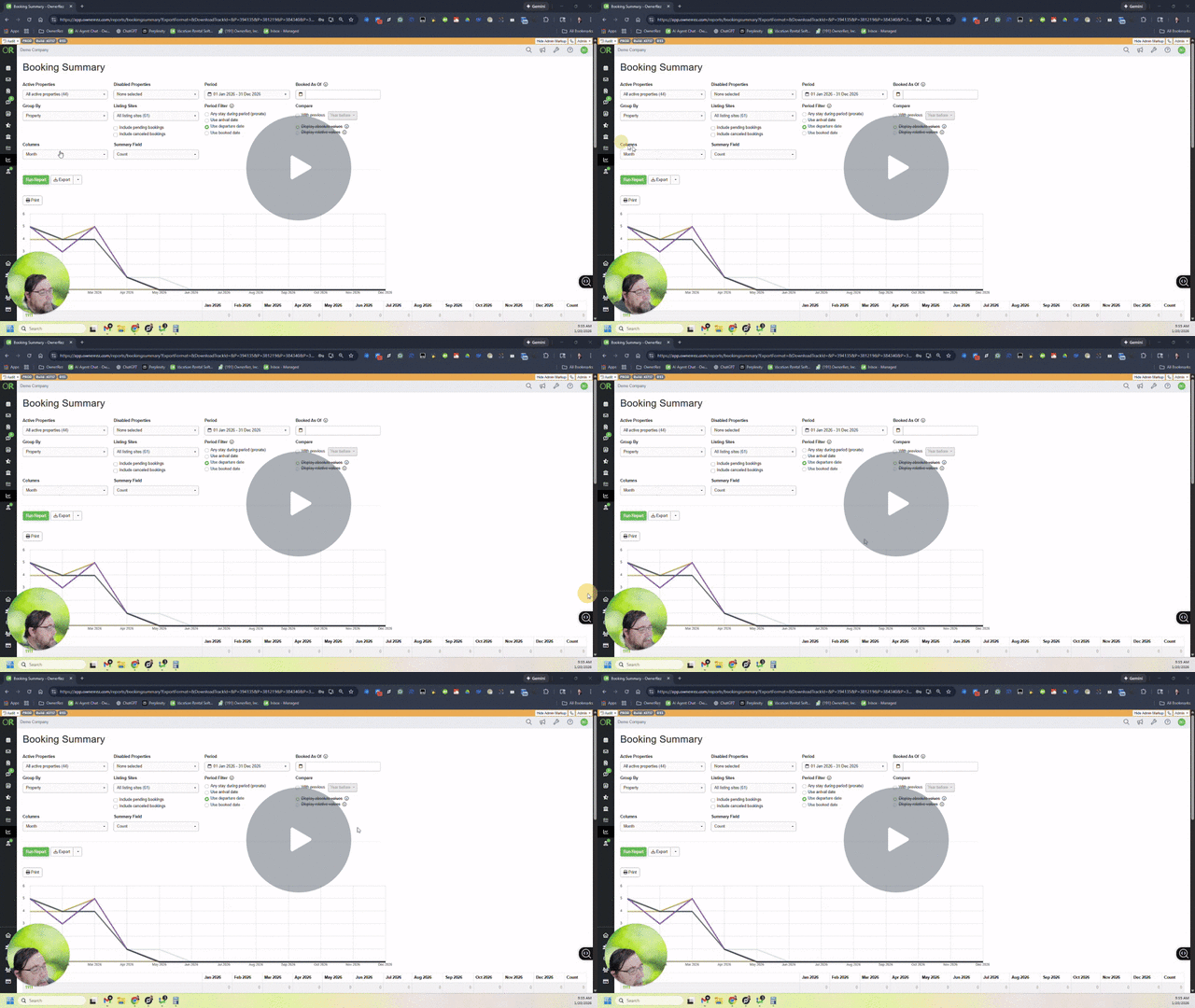
I think an even better report to run would be the Booking Summary Report.
https://app.ownerrez.com/reports/bookingsummary
This can be run for different periods and set to give a count by Departure date across all listings and give you individual counts as well as a total
Let's take a look:
Understanding the Booking Summary Report for Count of Number of Bookings 📊 - Watch Video
Hope that helps you more easily get the counts you are looking for each month!
-Steve