
Feature Requests
Latest Activity...
Relative Seasonal Rates 6 replies

Hi Elliot,
I did some testing on my end, and it should use the seasonal rates set for the September season if no seasonal rates are set for the Labor Day season.
Add-on Options to add at booking time. 2 replies
Hello!
We offer something similar on our confirm and pay form. You'll first want to add those optional surcharges to the account, making sure to give them a description and explanation to the guest of what they're for. More on how to set those up here: https://www.ownerrez.com/support/articles/optional-surcharge
Once optional surcharges have been configured in the account, guests should see the listed at the top of the confirm and pay form. It should list the ones that are available and the amount, along with the guest's explanation that was entered. If a guest selects to add one of those optional surcharges to their booking, the booking charges on the right-hand side under Price Details should be updated to reflect the add-on:
Add Changeover Rule to Season Settings 0 replies

We use seasons for a variety of key times throughout the year, such as to restrict check-in/out on a holiday and so forth. There are also a few select times of year when we need to require a changeover gap (one night between guest stays) for logistical reasons. Right now, we are unable to add that in the season settings as changeover/gap rules are not available there. Separately we need to execute this in the Rate Calendar > Changeover Rules for each property individually.
The minimum/maximum night settings from the Rate Calendar are already available within Season settings; it's just the Changeover Rules that are left out for some reason. PLEASE add the Changeover Rules options to the Season settings as well, to help consolidate the number of touchpoints we need to remember to make to change settings as needed.

Quote Expiration TIME 1 reply

I see the quote expiration date. I have a last-minute inquiry that I've quoted and want it to expire at 2 pm today so that my managers have enough time to schedule their crews. Expiration is currently date only, need that extended to include time (with timezone of the property).
Languages 3 replies

Hi Maartje,
It's super helpful when Rezzy can respond in the guest's native language, but you've got to be able to know what she said without having to copy / paste into a third party translation app! We definitely have plans to add translation options in the inbox in the near future.
Sounds like what you're asking for though is a bit more granular in that you'd like to tell Rezzy what languages specifically are okay to respond in, but limit it to those languages and reply in English (or a specific language of preference) for all others?
I don't know that we could accommodate that in a v1 of this feature, but I do believe that translation tools (once available) will get you and others to the ultimate end goal here.
Languages 3 replies

Rezzy gives the option to reply in English or in the guest's language. I would like Rezzy to reply in the guest's language if it's a language I speak as well ( in my case Dutch, English and French). But I wouldn't like to reply in a language that I don't understand as I won't be able to double check the answer and people will find out it's not really me replying! If that could be an option, that would be great ! Thanks.
Send Legal Agreements Based on Additional Conditions 9 replies

This promised feature is so basic and essential, I’m not understanding why no action is being taken on it nor why no reply is provided to request for its status.
Send Legal Agreements Based on Additional Conditions 9 replies
I'd love a rental agreement condition based on length of stay so that longer term stays (30+ nights) automatically receive the longer stay rental agreement to sign!
Quote Expiration Date Trigger 3 replies

Wow! Love the video response! The more I work with the company, the people, and the technology, the more impressed I am. Thank you.
Apologize for my lack of clarity! In my case, I had a returning guest who needed an extension on the quote expiration date. I would like to trigger a gentle reminder email x days before the quote expires, and possibly the day after it expires. This would allow the expiration date to be extended or shortened while still providing gentle reminders a few days before and after it expires. I was not looking to automatically update the quote's expiration date.
Add "Departure Date" option to Booking Statistics: Bookings report 2 replies

Bri's option works, however it would show a list of all Properties. If you did need it Property by Property you would have to do further filtering.
I think an even better report to run would be the Booking Summary Report.
https://app.ownerrez.com/reports/bookingsummary
This can be run for different periods and set to give a count by Departure date across all listings and give you individual counts as well as a total
Let's take a look:
Understanding the Booking Summary Report for Count of Number of Bookings 📊 - Watch Video
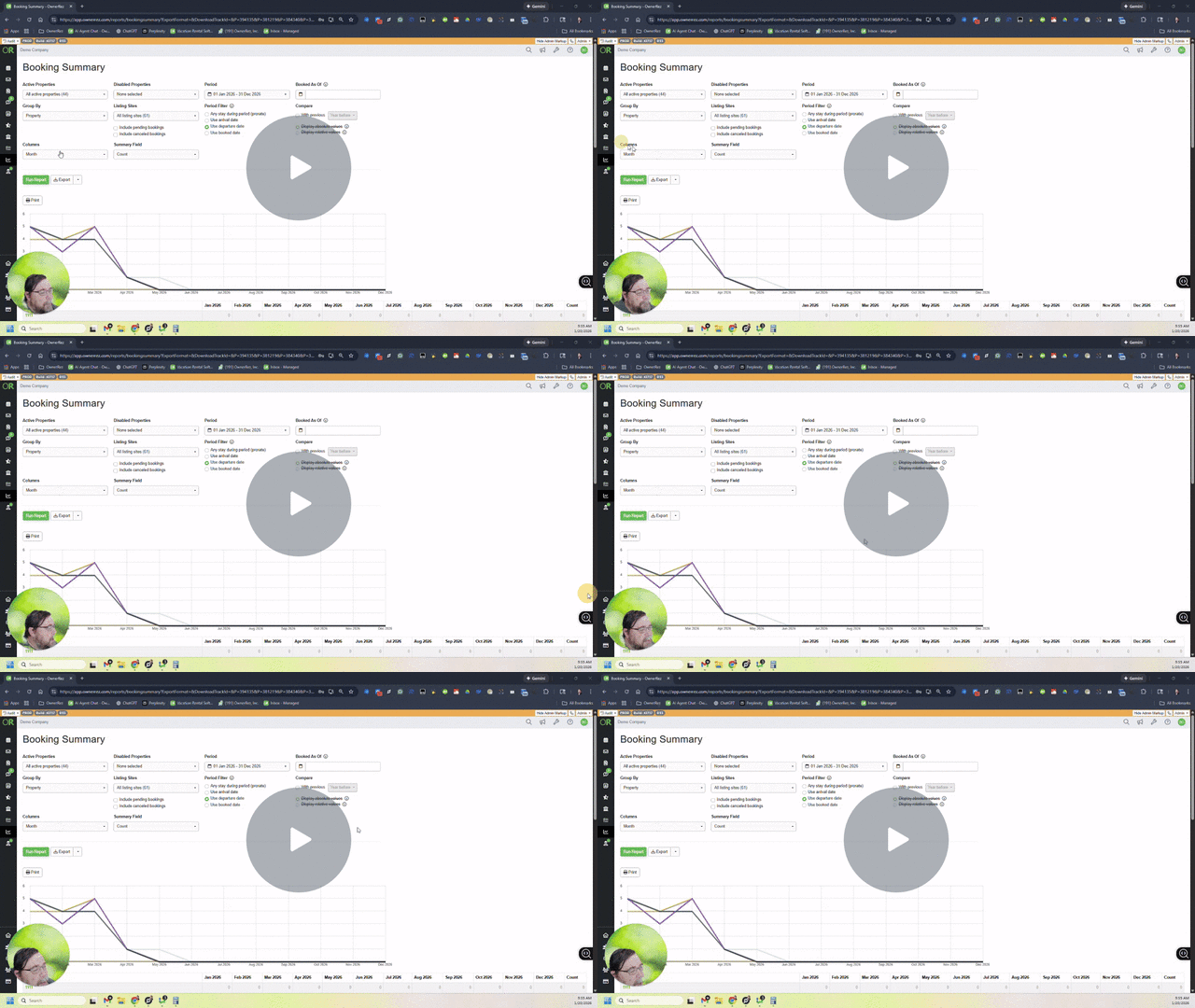
Hope that helps you more easily get the counts you are looking for each month!
-Steve
Quote Expiration Date Trigger 3 replies
Hi Jay,
Thanks for the feedback here, that totally makes sense, especially for repeat guests where you want to keep things low pressure but still follow up at the right time.
Just to clarify one piece first, Triggers only control when a message gets sent. They don’t automatically change anything about the booking or the quote itself (like extending the expiration date).
It sounds like there are really two separate needs here:
1) Automatically extending quote expiration dates
OwnerRez doesn’t currently have a way to “auto-extend” a quote expiration based on guest behavior or quote type (like returning guests vs new guests). And in practice, that can get tricky because expiration timing is often a judgment call. For example, should it extend every time the guest opens the quote? Only if they’ve stayed with you before? Only if they replied? Only if dates are still available?
That’s why today it’s more of a manual, case-by-case adjustment, and you can extend it anytime by editing the expiration date directly on the quote.
2) Sending a reminder before a quote expires
This part you can absolutely do today with Triggers, even if the expiration date itself stays the same.
What we’d do is set up a scheduled trigger that goes out “X days after the quote is created” (ex: 3 days after) with a condition that the Quote Status is open. This way if the quote expired or was accepted or anything else it won't send your message. The wording can be a friendly nudge like:
“Just checking in, your quote is still available for now, let me know if you have any questions!”
The only limitation right now, like you mentioned, is that the timing is based on the quote creation date, not the quote expiration date.
But if you set your quote expiration to let's say 5 days, you could send one nudge each day if you really wanted to. And have a different template for each day.
Let me show you how in a quick video:
Managing Quote Expiration and Sending Gentle Reminders - Watch Video
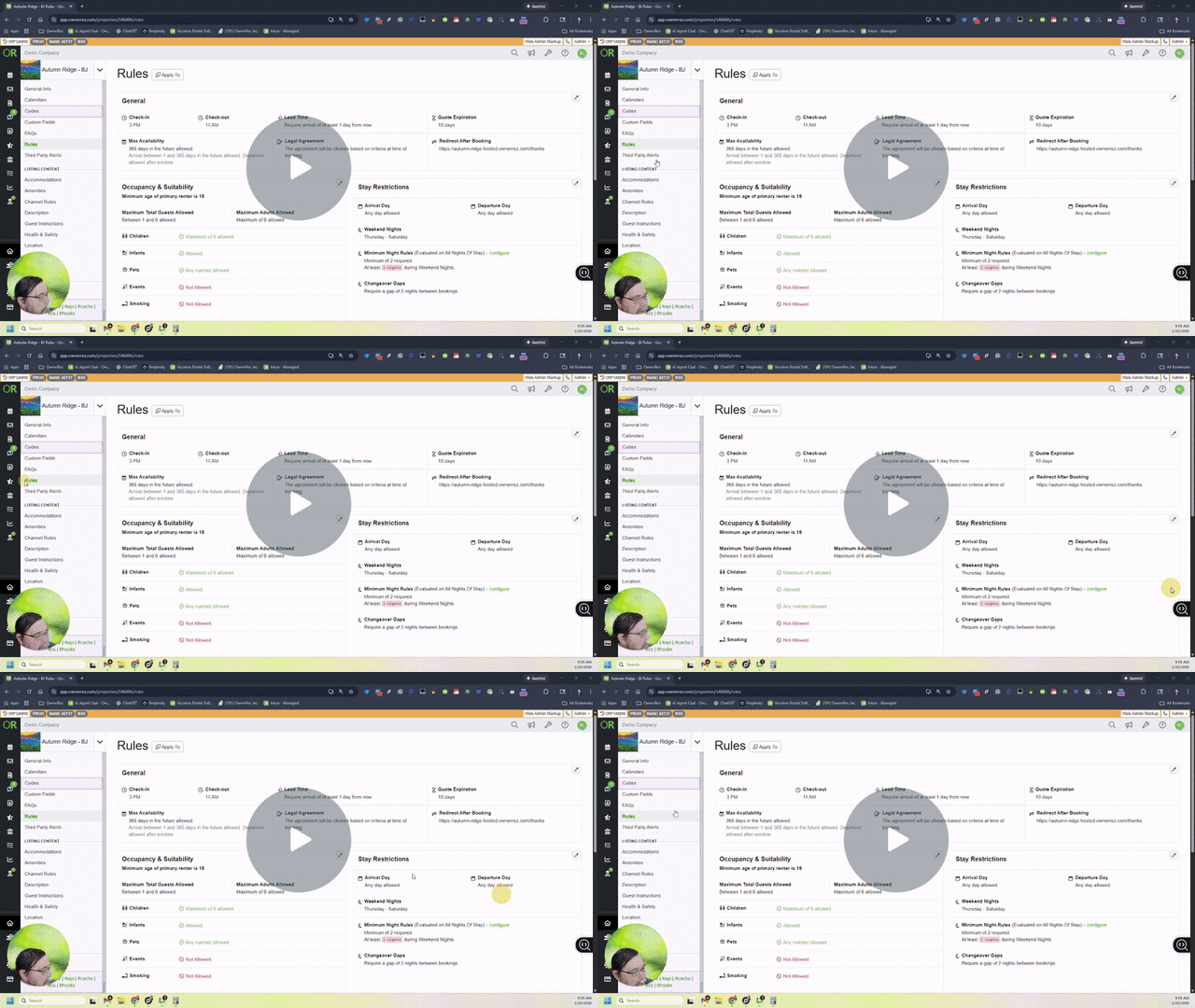
Delayed reponse timing for RezzyAI 30 replies
Hey Mitch,
We don't have an ETA at present, but we'll be sure to circle back to this forum thread to provide updates as they become available.
Add "Departure Date" option to Booking Statistics: Bookings report 2 replies
Hey Chris,
If you apply the following filters to your Bookings page List View, does this get you what you need? You can filter it by only confirmed bookings that depart within the date range of your choosing.
Add "Departure Date" option to Booking Statistics: Bookings report 2 replies

The Booking Statistics > Bookings report currently only counts bookings by arrival date, with no option to view counts by departure date instead.
Use Case: I need to verify that my cleaning service is billing me for the correct number of departure cleans each month. A simple count of departures per property for a specified time period (in my case, typically "Last Month") would make this verification quick and straightforward, but there currently exists no report that provides this count.
Current Workaround: I have to export the Bookings Detail Report to Excel and manually create pivot tables to count departures per property - this is time-consuming and unnecessarily complex for such a fundamental operational need.
Requested Enhancement: Add a date criteria toggle (similar to other reports) that allows users to select either "Arrival Date" or "Departure Date" when running the Booking Statistics: Bookings report.
This would benefit any property manager who needs to track turnovers, verify cleaner invoices, or analyze departure patterns.
Quote Expiration Date Trigger 3 replies
I would like to extend quote expiration dates (especially for returning guests) versus a standard number of days so I can provide gentle reminders when a quote is about to expire, and the guest has not booked yet. The only current trigger option is the quote creation date.
new report (or new columns in Tax Report(s)) for taxes owed (as opposed to taxes collected) 2 replies

Hi,
Right now Tax report shows taxes you collect and normally it is the same as "taxes owed", but:
- sometimes you have to charge renters smth extra -- it goes to "taxable money" column and for everything to tie out nicely you have to manually calculate related taxes and add them manually to related charges (which is already a pain). In certain scenarios (Airbnb integration) you can't update charges unless you convert them to manual, which means if smth changes on Airbnb side -- your charges won't be updated.
- some jurisdictions charge taxes based on total monthly amount (as opposed to) sum of taxes on individual bookings -- this introduces "off-by-1-cent" discrepancies due to rounding
Would be nice to address these issues -- either new report or new column(s) in existing report. Plus a checkbox for problem #2. In this way I don't need to keep in mind that this month I charged renters extra and therefore I need to calc my taxes manually. Ideally these charges should contain taxes (as separate lines), but it seems that Airbnb simply doesn't support this...
Or at very minimum highlight taxes columns in red if OR observes discrepancy between "collected" and "owed".
Thank you,
Michael.
Improve Schema markup for Property Reviews on hosted site 0 replies

Reviews are very important in Google searches.
Currently, it looks like only the review rating is generated by the default schema, but not the review description. Please add review description (at last the snippet):
Options Only Booking Form 13 replies

Thank you, I did use the seasonality option. It was just what came to mind.
I am not sure options are showing up on platforms, I have never had a response from a guest. We have friends test-driving the system, will be talking to them as we fine-tune. Love the responsiveness here, A+ work!
Emily DG
Options Only Booking Form 13 replies

Agreed, it also allows hosts to tailor to season (float tubes in January? Maybe not) and activities available.
Emily, I wanted to let you know that this can presently be done. Each optional item can have its availability tied to any number of pricing seasons, so using your example, you can optionally offer Float Tubes only during summer months. And this is tied to when the booking is for, not when it's made, so it works really well.
See the restrictions on the Optional Extras set-up page, and restrict the item to the appropriate time of year. You can see how in my own example below.
You can restrict which pricing seasons an optional extra is available for. Just select the appropriate pricing seasons that correspond with the season when you want the option available, and voila! The option only shows up for bookings during the selected seasons.
Even if your prices don't vary by season, you could add a few seasons to your pricing in order to differentiate between which options you have available at which times of the year.
If this doesn't make sense, or you have questions about how it works, go ahead and ask. I would be happy help!
Options Only Booking Form 13 replies
Hi Robert,
We'll be starting development on a Guest Portal very soon, and I believe your request will be satisfied with the features being included in that work. I've marked this request as Planned and will circle back with an update once development is officially underway. We're still working on the design aspects at the moment.
Thanks again for submitting!
Re-reading this, I get nervous that something about how this gets executed won't be suitable, or will miss the mark somehow. (I apologize for the lack of faith that demonstrates!) If there is any way I can see and advise on preliminary plans, or be part of testing, please count me in! I have a suspicion that with some early input I will be able to save you a bunch of programming work pursuing something that won't meet our needs, and that some gentle guidance and help at the start may save us all a bunch of time and frustration! You'll get some help from a skilled UI designer and experienced database programmer... at a price that can't be beat! And in this case the help would be worth far more than what you pay for it!
Options Only Booking Form 13 replies

Yes! We manage 90 properties at a resort that requires us (property manager) to purchase a parking pass for each arriving vehicle and register the driver for each car arriving to the resort. Travel details always change and guests constantly need to add additional parking passes the week prior to their vacation. OwnerRez currently offers no way for a guest to add a pass and pay. They must contact me, I manually add the pass, and charge their card, and then register the additional car with the resort. During Summer weeks, this may be up to 100 additional passes! This tedious process results in MANY unnecessary phone calls!
We need a way for guests to add parking passes (and other Add Ons) to their existing reservation and pay with card on file through Lynnbrook! All OR integrations that offer Add Ons charge 10% or more for each transaction, SO THIS IS NOT A SUITABLE PROCESS!
I'm hoping this will be expedited, so that it will be available for our Summer Peak season. OwnerRez PLEASE HELP!
API - Nightly Rates... 2 replies

Now that they are being provided for messaging... Update the bookings endpoint to allow for us to retrieve the nightly rates for multi date bookings. Perhaps an additional include parameter? We want to be able to do same day year over year ADR calculations and on bookings that span our selected range of dates right now we just divide the total by number of nights which can be close unless there are weekends and/or holidays involved.
Bri4 days agoOR Team Member Joined Mar, 2022620 posts
Hi, all!
We have added new field codes - BNRENTT and BNRENTL - that show booked nightly rates in table or list format. These can be used in emails and documents to show guests a breakdown of nightly rates for their stay.
With that, I will mark this request released! If you have further suggestions for improvements in this area, feel free to open a new Feature Request.
Thanks so much!
Trigger to send email of x days before a rate season starts 1 reply

Could you add a trigger for x days before a rate season in Owner Rez starts?
We close online booking until a certain point before the season starts (this year, online booking opens Jan 19 and the spring rate season starts April 21) to give last years guests priority in booking for the following season. I want to send an email to all booked reservations to confirm they are indeed set with their reservation a few days before opening online booking. It has been a hard adjustment for our guests to go from the paper calendar booking of the last 45 years to the online system with quotes. A simple email with all their reservation details sent out a few days before will reassure those that are booked and remind those that thought they were booked because they got a Quote email.
I have created the email template. I would like to send 80 days before the start of our Spring '26 Season to those that are Confirmed.
Jeanna
Support for HTML and Field Codes in the Form Messages for the updated forms, like the Confirm and Pay. 4 replies

I was about to submit this exact same feature request. Many of my guests are understandably uncomfortable signing rental agreements and uploading IDs before they can see the specific payment and deposit details for their reservation.
I’m currently adding similar language to my forms, but since I can’t use field codes to tailor it to each reservation, it often leads to back-and-forth emails just to share that information. Being able to use field codes in this messaging would make the booking process far more automated, without taking away the transparency guests need to confidently complete their booking.
Cancellation report 1 reply
Hey Jennifer,
Unfortunately, there isn't a dedicated cancelled bookings report in OwnerRez, as you're already aware. However, you can still access and analyze your cancelled bookings data by exporting your Bookings List View.
- Go to the main Bookings screen
- Select List view
- Use the Filters to select Booking Status = Cancelled
- Export the results to Excel for further analysis
Not a perfect workaround, but I did want to let you know this was available.
Know anyone else who'd want to see this feature implemented? Send them the link so they can add their vote and show there's interest in making this happen!
Cancellation report 1 reply

It would be very helpful to have a specific report for cancelled bookings. We'd like to monitor the percent and total cancelled booking over different periods of time and on different platforms so we can see trends and make adjustments.
Record Deposit Screen Needs Filters and Sorting 1 reply
We appreciate you taking the time to submit this feature request! If you know other users who would benefit from this, we'd encourage you to share it with them so they can add their support by way of an upvote at the top of the page.
Rezzy to create tasks from reviews and private feedback 3 replies
We've received your feature request—thank you! If you think others would love this too, spread the word and invite them to upvote. Community feedback really helps us prioritize what to build next.
More fonts and colors for description overrides 18 replies
Hi Nicole,
I spent some time discussing this with our engineers and wanted to clarify how the description formatting works with hosted website themes and hopefully provide a solution that works for you.
When you manually select colors or fonts in the property description editor, it creates inline styles that take precedence over your hosted website theme settings. This is why your theme colors aren't showing up in your descriptions even though they're applied elsewhere on your site.
The fix is to use the clear formatting button (Tx button) in the description editor to remove the inline styles. Once you clear the formatting, your descriptions will automatically inherit the colors and fonts from your hosted website theme settings.
The reason it works this way is that property descriptions are designed to be flexible across different platforms (hosted sites, WordPress, etc.), so any manual formatting you apply takes precedence. To have your hosted website theme control the appearance, the descriptions need to be free of inline styling.
We're creating documentation to make this behavior and solution clearer for future reference. If you have multiple properties that need updating, you'll need to use the clear formatting button on each one to remove the inline styles.
Let me know if you have any questions or if this doesn't resolve the issue for you!
Interactive Availability Calendar 1 reply
Hey Steve, thanks for submitting! If you think others would love this too, spread the word and invite them to upvote. Community feedback really helps us prioritize what to build next.