
General Help and Questions
Latest Activity...
Cancellation did not sync 1 reply

Hi Jhem,
When a booking is passed over to us from an integration such as the Airbnb API integration, it gets directly correlated and linked to that bookings Reservation Number from Airbnb. You can view this reservation ID on Airbnb bookings, under the overview tab, within the general info section. You'd also be able to click on the "Channel" Tab to see relative information that would only be visible if that booking is a channel booking.
Here's where that reservation ID would be on the overview tab,
The manually imported booking on the back end wouldn't be correlated to that ID and as such generally wouldn't sync automatically, that being said if there are any oddities about this booking or you're still uncertain about what occurred to these reservations. Please reach out to our helpdesk with the Reservation ID's of these bookings and we will gladly take a look at them for you.
co-hosting 5 replies
Hi Karen,
Any questions you may have you can reach out to our helpdesk to get direct answers, alternatively if you have recommendations the best path is to check if it's been suggested already! Use the link below to search our Feature Request forum. If it's not there you can write this up as a suggestion so other clients can vote up your ideas for new and improved features in OwnerRez:
Check-lists? 4 replies

I would like to know if any of them which might help my situation are getting closer to development status?
co-hosting 5 replies

How do we connect with OR to request more cohosting flexibility within OR?
Cancellation did not sync 1 reply

Hello! Did anyone here had an encounter of a cancellation made on Airbnb but the cancellation did not sync in ownerrez?
It seems that when we were transitioning to ownerrez, we manually imported our reservations, and when the sync with ownerrez and airbnb was finished it resulted to two bookings with the same details. When the reservation was cancelled on Airbnb only the other reservation was cancelled but not the one we have imported manually.
Refund created balance due 2 replies

Thank you! I was able to create a new charge line as a negative amount and indicated refund to zero out the balance.
Taxes on hosted site 1 reply
Hi Karalee,
You'll want to create those taxes manually within OwnerRez via Settings>Taxes.
Ensure the applicability dropdown is set to a condition in which your hosted site is included. (The default option would include the hosted site, however you may need to have it exclude Airbnb depending on how Airbnb handles taxes)
As long as that applicability is set then generally the tax will automatically apply to your hosted site.
Refund created balance due 2 replies
Hi Renee,
That's generally correct! A common scenario related to this would be when Airbnb applies a resolution adjustment. Our API will typically automatically bring over the adjustment as a refund, however the charges wouldn't usually match at that point, and you would in most cases need to review the financials (to ensure the total is correct) then update the line item charges to match.
If you're still on the fence, please reach out to our helpdesk and provide the booking ID and we can try to take a closer look at your unique situation.
VRBO booking confirmation 8 replies
Hi BB,
Hmm, generally we'd considering switching your guest communications from Channel messages to Email early in the booking cycle for that very reason. There are a plethora of cases where the channel may filter content out of messages.
Refund created balance due 2 replies
How do I clear up an outstanding balance left when refunding a guest?
Should I just edit the charges to reduce the amount due?
Sorry if this has been covered, I searched the forums & help documentation.
VRBO booking confirmation 8 replies

Just had this happened too. After approving in OR, my trigger message was sent to VRBO messaging confirming the booking and asking guest to sign the linked agreement, however the URL/link to the agreement was stripped out of the message. I assume since VRBO is not recognizing the booking as accepted, links cannot be sent in the messages. I'll try to resend the link once the time runs out (still showing I have over an hour left to accept the booking), maybe VRBO will recognize booking after time is up?
Airbnb Messages stuck in Queued 4 replies

Caleb,
Thank you for your reply. I have gone ahead and responded to your email as well with further information. This very well may be a glitch on your end, but please do keep me posted.
Thanks,
Rob
Airbnb Messages stuck in Queued 4 replies
Hi Rob,
Due to the nature of this issue I would normally request you reach out to our helpdesk, but I see you have already done that! I will send an email shortly to discuss this further. But thank you for reaching out!
In short I believe you may have stumbled across a bug, but we're digging into it as we speak.
~Caleb
Failed to Sent Message - VRBO Api Connected 1 reply

99% of the time (booking.com is one exception for some corner case scenarios), when I communicate with guests, I use OR Inbox. I'm not in the habit of checking if the message was sent successfully, so I guess I need to change that habit to a more "trust but verify."
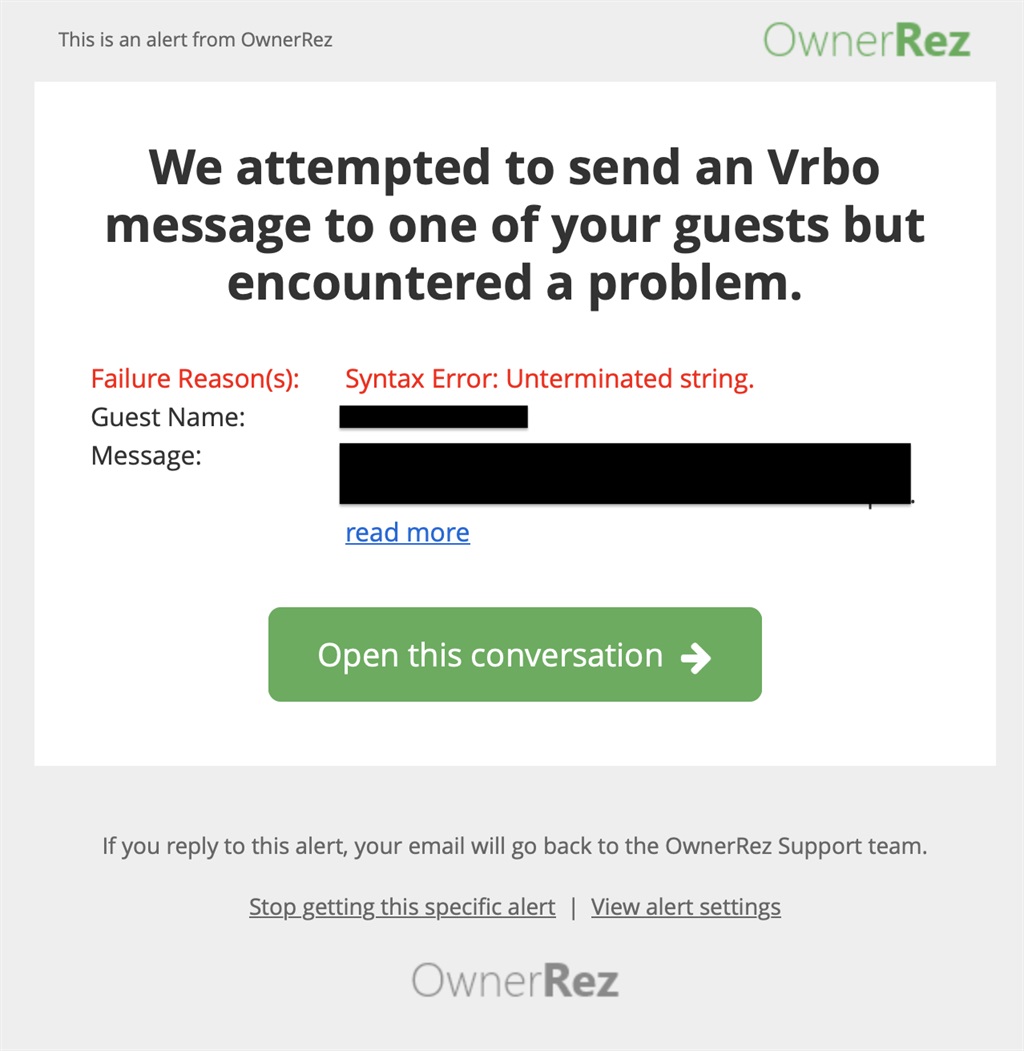
What does that error message mean? Did I do something wrong in my message (the string), or is this an API error? If the latter, is this a bug in OR?
Widget layout question 1 reply
Hi Robert,
Our booking/inquiry widget already only has the fields by default, the photo is not generally part of our widget.
Here's what our booking/inquiry widget looks like,
~Caleb
Airbnb Messages stuck in Queued 4 replies
Hi we recently began Co-Hosting a property and did an Airbnb Integration and VRBO (still pending). Everything seems to be hooked up fine with Airbnb, the bookings come over, but I am unable to send messages through OR, it stays in queued mode, as well the templates with triggers are not sending and stay in queued status. Also, This listing used to be hooked up to a different OR account, but has been disconnected from the old OR account. Please advise as to why Airbnb messages are stuck in queued status. Thank you for your prompt attention to this matter.
Taxes on hosted site 1 reply

How can I factor in the taxes on my hosted site? I think they are already calculated in addition to my fees on AirBNB and VRBO.
Editing Quote fields 4 replies

yep, that's what I meant. and I have found the article how to add fields but never found a guide how to remove them - it is a bit strange to me that it is not editable given overall OR DYI philosophy:)
ok, will suggest this as a potential add-on
Thank you for the help!
Editing Quote fields 4 replies
Hi Nikolay,
Ahh, I don't have a payment processor set up on my test account, but you're referring to the form that looks similar to this one correct? Just instead of payment details has fields for guests to input their contact/personal info.
You can add required fields to the form in question, but the existing information is not modifiable at this point in time. Here we have an article that details how to add and capture additional information on that form, https://www.ownerrez.com/support/articles/capture-additional-fields-on-checkout-quote-acceptance
If that still doesn't satisfy what you're looking for, you should check if it's been suggested already! Use the link below to search our Feature Request forum. If it's not there you can write this up as a suggestion so other clients can vote up your ideas for new and improved features in OwnerRez: https://www.ownerrez.com/forums/requests
Editing Quote fields 4 replies
Hi Caleb,
Thank you for the response! I am actually talking about not the message but the Quote form itself, in particular the page where we ask guests to provide their personal information, e.g., all kinds of phone numbers - I am looking for a way to edit this form itself not the message(s) referring to the form
Best,
Nikolay
Editing Quote fields 4 replies
Hi Nikolay,
I assume you're referring to the general "Send quote to guest" template, found under system messages here - https://app.ownerrez.com/systemmessages
If you select the actions drop down for that row, you can choose to either alter the base message, or change to an existing template you've created.
I'd recommend reviewing the rest of the system messages as there are a couple of messages related to quotes within them.
Additionally we have an article here on system messages that may be helpful for you: https://www.ownerrez.com/support/articles/system-messages-overview
~Caleb
Stop co-hosting messages from coming into OwnerRez 2 replies
Hi Jordan,
Would you please reach out to our helpdesk at Help@OwnerRez.com with a few examples of these messages so we can confirm exact details, And go over the finer workings with you?
Is there a way to import Blocked Off Time 1 reply
Hi,
All the imports OwnerRez has to offer are generally present on the imports page - https://app.ownerrez.com/imports
The import bookings option has a selection for blocked off time as well, you can find that import here: https://app.ownerrez.com/imports/excel/bookingexcel
Is there a way to import Blocked Off Time 1 reply

I am dealing with a company that only puts their bookings on a spreadsheet. They don't use iCal
The data I have to deal with is
| 7/14/2024 | 7/21/2024 | CONFIRMED |
How do I import that into OR so that the dates show up on my calendar as unavailable to book.
Thanks
Stop co-hosting messages from coming into OwnerRez 2 replies

Hello, I am the primary host for several properties but also a co-host on a few. I don't want the Airbnb messages coming into OwnerRez for the co-hosted properties. They are not part of my API integration, so I'm not even sure why they're coming through in the first place. If there's any way to disable those messages coming into OwnerRez, I'd greatly appreciate it if you'd let me know what that is. Thanks!
Editing Quote fields 4 replies
Hello, I am trying to simplify a bit the quote template - i.e. removing some redundant fields - any guidance how / where I can do this in OR?
More bed options needed 2 replies

The bed options that OwnerRez offers, are the way they are because they are based on what is supported by the listing channels, which are limited. For instance, while in reality sleeper sofas do come in various sizes, the listing channels simply assume a sleeper sofa to be Double in size - there is no option to select another size.
More bed options needed 2 replies

I have a bunk bed that is a Double over a Double. When I apply a bunk bed in the room, (VRBO) the system generates it as a Twin Bunk Bed.
Bunk beds are also available in Double or Queen. In which case I have the Double. Providing the right size would mean that 4 people could sleep in this bunk bed instead of 2. I could switch the beds to 2 Doubles, but guests need to know that it is a bunk bed.
Also, my sleeper sofa is Queen size pullout and not a Double. The OwnerRez system generates it as a double.
Booking.com I Minimum Length of Stay 4 replies

Hi Caleb, I just reached out to support.
Bill
run reports to see historical payment info from disabled properties 21 replies

Currently, you can temporarily enable the disabled properties that you'd like to run reports for, then disable them before the end of the month to not be billed. These comments are very helpful as we are always listening to customer feedback when deciding what to update next. Please upvote this feature request here so it can move up the priority list, as our development roadmap is based on user feedback.