
Feature Requests
Latest Activity...
Cancellation policy by season? 72 replies

Please provide a update on cancellation policy by season?
Show Airbnb Reservation Alteration Requests in the Inbox 1 reply

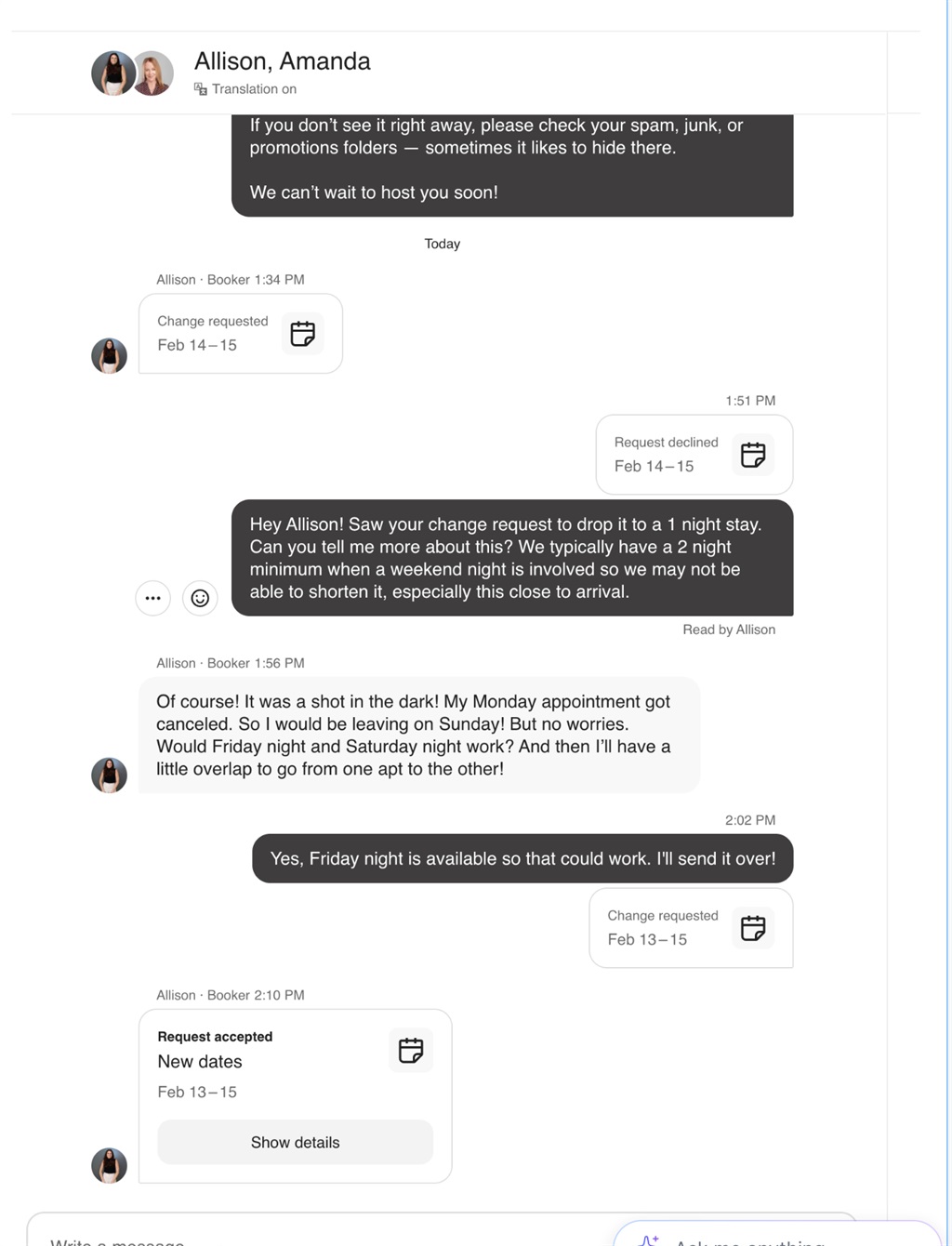
Currently, Airbnb reservation alteration requests do not appear in the OwnerRez inbox. Absolutely zero notifications come through OR for these guest-initiated requests. These requests do show inside Airbnb message threads, which suggests they are being delivered through Airbnb’s messaging system in some form. However, they are not being passed through the OR inbox API. For those of us trying to make OwnerRez our true single source of truth for all communication, this is a meaningful gap.
If this is currently blocked by Airbnb’s API limitations, it would be helpful to confirm that — especially since these requests now appear in Airbnb message threads. If it is technically possible via Airbnb's API, I'd love to see these alteration requests in the OR inbox thread with an actionable button to review/approve/decline. This would allow Rezzy to trigger a Task for human involvement as well.
Payment Schedules 78 replies

Others use differing means of workarounds, but for myself and many others, workarounds don't work. Also, workarounds always require extra manual effort. My other problem with ALL workarounds is that the booking process only allows us to set our bookings as one payment or two payments. The language on the booking page our guests see will never match the language in your actual contract if you require multiple payments. You can't change it to match your workaround and I don't want confusion. As it is I have to explain up front to guests that the language in the booking process is not correct due to technical limitations of my software and that the payment schedule in the contract is correct. Who wants to have to do that and what guest isn't going to see that and be like "why don't you get better software?"
Payment Schedules 78 replies

I’m not sure if others are already doing this, but I’ve found a workflow that works well for me.
I created a payment reminder email template, then after creating a booking I schedule the reminders to send in line with my payment schedule. It’s working well on my side.
If they pay by bank transfer (offline), my accountants will pick it up during their weekly accounts close. If they pay by card, OwnerRez records and tracks the payment automatically.
As long as we’re reconciling revenue frequently, it shouldn’t be an issue. The key is making sure that when the booking is created, the payment plan is confirmed and the scheduled reminder emails are set up.
Example template below:
Scheduled Emails table should display send date/time 1 reply
When we schedule emails, the table displays very limited information. At a minimum, it should show the scheduled send date/time.
This is a core use case for me: I schedule payment reminders for rolling monthly bookings. I’ve been able to leverage OwnerRez for this workflow, but regardless, if an email is triggered by a scheduled timer, the scheduled date/time should be visible in the table so we can verify what’s queued and when it will send.
This feels like an easy fix and would make scheduled emails far more usable.
Automate Recurring Expenses 2 replies

Any progress on this one ?
Google Hotels Integration 66 replies

Thanks for that explanation!
Google Hotels Integration 66 replies

It's nuanced...
VRBO is for vacation rentals. Each VRBO listing can be pushed to Expedia as a stand alone property. This is fine for vacation rentals but not hotels.
If you list your hotel units on Expedia directly, your rooms are all nested under 1 "property". From there, Expedia pushes to all their brands like hotels.com etc & to Google Hotels.
As far as I can tell, VRBO listings pushed to Expedia are NOT listed on Google Hotels and Hotels.com for example... Expedia owns like 30+ other sites where we used to get bookings.
Since I switched to listing on VRBO, I no longer get listing visibility in these other Expedia owned sites & each of my hotel rooms are treated like individual properties, rather than rooms at the same property.
VRBO/Expedia has very little documentation about this and offers limited support so it is difficult to understand the full scope of differences...
Google Hotels Integration 66 replies
Can you explain what you mean about not being on Expedia? Via Vrbo, my listings are on Expedia. Is there something I'm missing about this?
Google Hotels Integration 66 replies
Lodgify has an Expedia integration which pushes to Google Hotels. I don't love Expedia (or paying commission) so I'd prefer a direct integration to Google Hotels.
Glad this is being considered for 2026!!
Google Hotels Integration 66 replies

THANK YOU!
Filter reviews by "Response not Written" 4 replies

We've received your feature request—thank you! If you think others would love this too, spread the word and invite them to upvote. Community feedback really helps us prioritize what to build next.
Google Hotels Integration 66 replies
Thank you for your renewed interest in this request, everyone!
We're discussing internally and will provide updates here as they become available. The year is young, and much of our future roadmap planning is still to be determined. You all make strong arguments here, and we will be exploring what options are available to us to see if we can hit the ground running on this any time soon.
Payment Reminder Links 3 replies
Nina, I believe we've gotten the appropriate fix out as of now. If you run into any further trouble, please write to our Helpdesk team again. Thank you so much!
Google Hotels Integration 66 replies

It’s true. OwnerRez is brilliantly rich with features and automations that the smaller hotel PMS’ are just truly lacking in. If OwnerRez could even just add connections to Google Meta Search (Google Hotels) and Expedia, even without room types, it would be life changing for boutique hoteliers. We would never have to leave OwnerRez.
Google Hotels Integration 66 replies
I see on the search page (when you search "Google Hotels" on the forums) that Chris Hynes has replied to this topic... but when I click on the comment it isn't showing up on this thread. @Chris Hynes can you share your response again please?
Chris Hynes in response to: Google Hotels Integration1 month ago
Google Hotels and GVR are basically the same thing -- GVR is just in VR mode, but under the covers it's Hotels and they both use the same XML feeds we already do. So supporting hotels is not a huge technical lift like creating a new channel, we'd just need to create and manage a separate feed.
That said, VR's are not allowed on Google Hotels. Hotels is only for properties that have a front desk and...
Google Hotels Integration 66 replies
I gotta chime in here too! Really hurt losing access to Expedia Partner Central and Google Hotels when we moved from Lodgify to OwnerRez for a botique hotel.
Trying to get set up on Google Vacation Rentals instead but it's just not quite designed for multi units at the same property...
@Kaiden, does Lodgify have an integration with Google Hotels?
Google Hotels Integration 66 replies
@yavuz - can you tell us more about using a Mirror PMS for Google Hotels?
Google Hotels Integration 66 replies
I have been hoping for this feature for years and sadly after having our slowest year we just could no longer afford to operate without direct connection to Google Hotels. I spent a painstaking 6 months demoing a ton of different hotel PMS, fully setting up 3 (the first two of which I had to abandon because they couldn't meet our needs), and ending up with a PMS that has a lot of functionality and got us on Google Hotels (which has dramatically increased our bookings, hooray!) but is a BEAR to use. The support is terrible, stuff breaks all the time, and it has made my life exponentially harder on a day to day basis... after being with OR for 5 years from the beginning of opening my Inn, it is honestly a tragedy that I mourn every day. But financially we had no other option.
Would love to keep following this thread and seeing if there is ever any movement on this... there is a huge vacuum in the market for small BnB / Inn type properties that only small PMS softwares are meeting, but without access to a lot of the modern tech and automations and integrations that we need (and that OR has). The bigger softwares that have these integrations are... lacking, and designed for hotels, so make the day to day workload a lot harder for a small property.
If anyone finds any solutions please share!
OwnerRez, please hear our plea!!
Payment Reminder Links 3 replies
Hey Nina,
I attempted to send a manual payment link in my testing account with custom payment methods configured, and I see what you mean. The buttons are not working at all for me.
This is definitely a bug report, and I've alerted our engineers. With that, I will close this request. We're investigating and will get this fixed as soon as possible.
Audit Trail - Ability to view more information in "Activity" 13 replies

You definitely need to provide an audit log of activity logged by users in this system. Something that can be exported and archived by the user would be a great feature. I find that I spend lots of time in here, and this would be helpful at Tax Time as i like to track my hours spent.
Payment Reminder Links 3 replies

I am only posting this here, because I would like to call attention to this bug in the way our guests are able to see and acess information, it is confusing to guests, and creates frustration when links and buttons do not work, if they are not ment to work, them please dont have them showing.
This is the reply and explanation I received from OR, and I understand it and will make the adjstment needed to make the work around work, however, either make the manual instructions show, or remove the button.
The Issue
When a guest selects a manual payment option (like your "Heritage Bank" custom payment method) on the payment form, the instructions you configured are not displayed on that screen. This is actually the current design of how OwnerRez handles manual payment methods.
How Manual Payments Currently Work
According to the OwnerRez system design:
-
During Quote/Booking Checkout: When guests go through the initial booking process, they can see and select manual payment options (Check or Custom Instructions), and the instructions ARE displayed during that checkout flow. Quote and Booking Reservation Process > Step 4: Make Payment
-
On Payment Reminder Links: However, when you send a payment reminder link (like the one you sent to your guest), the payment form shows available payment methods but does not display the custom instructions when a manual option is selected. This appears to be a limitation of the payment reminder form. Custom Payment Options > Configuring a Custom payment option
Recommended Solutions
Option 1: Include Instructions in the Email When sending payment reminder emails, include the bank transfer instructions directly in the email body itself. You can customize the "Send Payment Reminder to Guest" email template to include your Heritage Bank payment details.
Option 2: Use the Request Payment Feature Instead of sending the standard payment reminder, use the "Request Payment from Guest" feature: 1. Go to the Booking > Transactions tab 2. Click Payments dropdown > "Request Payment from Guest" 3. In the "Additional instructions or notes" field, include your Heritage Bank payment details 4. This allows you to add context-specific payment instructions
Collect Payments Manually > Request Payment from Guest
Option 3: Record Payment Manually Once the guest contacts you asking how to pay, provide them with the Heritage Bank details directly via email or phone, then manually record the payment when received: 1. Go to Booking > Transactions > Payments > Record Payment 2. Select the appropriate payment method and amount
Custom Payment Options > Recording Payments
Why This Happens
The payment instructions you configured in Settings > Payment Methods are primarily designed to be shown during the initial booking/checkout process, not necessarily on every payment form link. This is a known limitation of how payment reminder links currently function.
Thanks
Enhanced AI Knowledge Ingestion (CSV & Document Parsing) 1 reply
We've received your feature request—thank you! If you think others would love this too, spread the word and invite them to upvote. Community feedback really helps us prioritize what to build next.
Payment Schedules 78 replies
The last update was in mid 2023 when they said that it would probably be in 2024. It is nearly 3 years later with no updates. This is unfortunately not a priority and doesn't even appear to be on their timeline at this point. At this point I've given up expecting to ever see it. If I had more than one seasonal rental at this point I would have looked for other, less manual options.
Any update please? We are getting stuck with refundable bookings being paid too far in advance and then having to refund on cancellation, and credit card processors not returning their fee. Two scheduled payments only are not granular enough, and yes, I know payments can be scheduled manually but that defeats the purpose of software.
Cancellation policy by season? 72 replies

I believe VRBO has launched, and good news that AirBnB is soon. Any news yet?
Payment Schedules 78 replies
Any update please? We are getting stuck with refundable bookings being paid too far in advance and then having to refund on cancellation, and credit card processors not returning their fee. Two scheduled payments only are not granular enough, and yes, I know payments can be scheduled manually but that defeats the purpose of software.
Allow guests to pay with Apple pay 6 replies

I'd like to add my voice to the requests for Apple Pay integration.
Here in the UK, Apple Pay has become very mainstream. A large proportion of guests – especially those booking higher-end accommodation – are using iPhones, and Apple Pay is now a very normal, expected way to pay online.
From a direct booking perspective, it would make a meaningful difference for a few reasons:
– It reduces friction at checkout. Holiday bookings are high-value transactions, and anything that simplifies payment improves completion rates. Apple Pay removes the need to manually enter card details, particularly on mobile.
– It increases guest confidence. Because guests are taken off our main website to complete payment, maintaining trust at that stage is crucial. Seeing Apple Pay available immediately reassures people that the checkout is modern and secure.
– It supports mobile bookings. More and more guests browse and book on their phones. Apple Pay turns what could be a multi-step form into just a few seconds of confirmation.
I see Apple Pay is listed on the OwnerRez website as “coming soon” under Paypal, which is very encouraging.
https://www.ownerrez.com/paypal
Could you please share when it is expected to become available, particularly for Stripe users in the UK? Even an indicative timeframe would be extremely helpful for planning.
I really value how customisable and flexible OwnerRez is, and appreciate that development priorities must be balanced carefully. But from a UK direct-booking perspective, Apple Pay now feels commercially important rather than simply a nice addition.
Thank you for a super service otherwise!
Google Hotels Integration 66 replies

I’m also in the same boat, Victorian Inn in Marblehead, Ohio. OwnerRez making this available would be amazing! I keep praying! Maybe all of us here with boutique hotels and bed and breakfasts can get together share information and help each other.
https://www.facebook.com/thevictorianinnbb
Shelley
Google Hotels Integration 66 replies

I also urge Ownerrez to prioritize this feature. I'm stuck in an awkward place where I can't list on Google Vacation Rentals because my operation is a boutique hotel/BNB, and I can't list on Google Hotels because Ownerrez doesn't support the integration. So the OTA's are just eating my lunch at the cost of tens of thousands of dollars a year. I've been trying to to figure out how to run a shadow PMS like someone above suggested, but it's going to be difficult, complicated and expensive. Leaving OR for a more hotel-oriented platform would be a painful last resort as I've invested so much in getting OR set up just right for my business (including API integrations), so I'm hoping they can address this ASAP.
API endpoint for retrieving custom categories (category API) 4 replies

I’ve been looking through the API documentation, but I can’t find a way to fetch custom categories via the API. Some customers (Topkey.io) want to sync expenses to OwnerRez via the API and associate them with a custom category (not a system category).
This would be a great feature to have.