
Feature Requests
Latest Activity...
Delayed reponse timing for RezzyAI 30 replies

Yup, I thought it was fixed before but it seems to keep happening again.
Delayed reponse timing for RezzyAI 30 replies

Hey @Bri -- Just FYI so you know, this continues to happen with every new booking (Rezzy responds to the guest's initial message not realizing there's a booking attached). So "Ensure Rezzy AI answers with booking context when guests book and message simultaneously" hasn't played out as expected a single time (at least not on my account).
Record manual/offline security deposit (e.g. via Check) 4 replies

Yes this would be helpful for the security deposits that fail in OR but work when we manually do them in stripe.
Move the Attachments Box on the Expense View further up the Page - Please 3 replies

Hello - I work in the accounts Dept for our company and I need to attach cleaner, maintenance and other expense invoices to each booking - before I could drag and drop the document anywhere onto the page and it would automatically attach to the expense, it also showed the details of the invoice. Now I have to scroll down to the attachments box only and also I can´t see what invoices have already been attached. It would be great if you could add the document details back in and move the attachments box to inbetween the ´main details´ and ´pm breakdown´? Keeping fingers crossed this is actioned!
Rezzy answers guest based on task outcome 2 replies

Currently, when Rezzy does not know the answer to something, she creates a task asking myself to confirm certain information. It would be nice if I would could add a note to the task giving Rezzy the answer she needs and then she go in and respond back to the guest with the correct information.
Either fix {BULEASE} or get rid of it 4 replies

Hi, I would never describe {BUFIXUP} as a workaround. It is the recommended field code for the initial request for a rental agreement and is included in the default templates used for that purpose. It is now even more useful as the field code that initiates the My Stay process. Our upgraded contact into gathering, custom field filling, rental agreement signing, and security deposit credit card collecting page. And that is just phase one on the way to a fully functioning guest portal.
{BULEASE} is intended for sending secondary agreements and for re-sending the rental agreement if changes are made. It has also now become the 'workaround' for those who aren't ready to adopt the My Stay changes. They can still use the BULEASE code to send out documents that bypass that process.
But BULEASE has some limitations and should be used accordingly.
- It does not provide a credit card info option
- In an email template, it can be used within a hyperlink to select a specific agreement form. However, this doesn't work in channel templates, since you can't create hyperlinks. In those cases, it will select the first applicable agreement in alphabetical or assigned priority order. So if you want to send a specific agreement with BULEASE, do it by email.
One additional thing to mention is that the My Stay page now allows you to control whether you require a Rental Agreement at all. Previously, the BUFIXUP code would give you a rental agreement whether you wanted one or not. Even if you deleted all of your agreements, it would create one from the default. So those who wanted a minimalistic process had to create a minimalist agreement of some kind. Now, it actually obeys your property > rules setting regarding whether you want to use a rental agreement or not. This is a big improvement!
Minimum Charge - Minimum Charges 4 replies

Just watched a RevMax webinar on this very topic.
They call it 'Length of Stay' pricing, but it is just another way of describing the same concept. https://getrevmax.com/los-pricing/
They think enough of the concept to have a big chunk of their business based upon it, and ask $90 a month (in my case at least) to provide this. Granted, for that price they are including dynamic pricing (which I have no interest in, it offers little benefit in my mature, over-supplied market) and other services, but they won't provide Length of Stay pricing alone.
All this does is demonstrate that what I'm asking for here is actually a very important, needed feature.
My old PMS had this capability and it's a pretty straightforward concept.
Having a minimum stay isn't about forcing guests to stay a certain length of time. It's about protecting revenue. If a week's revenue can be had for a 4, 5, 6 or 7 night booking, then why not have that available for the guest?
It just makes sense!
It's crazy that in 2026 OwnerRez still doesn't provide a means for setting minimum prices.
It's also crazy that this can be posted here in this forum for so long and have only two votes!
Exclude Taxes from Owner Bookings 3 replies

Thanks for putting this feature request together! These ideas grow when more voices weigh in, so if you know other users who'd find this useful, send them the link and ask them to upvote. Community feedback really helps us prioritize what to build next.
In the meantime, once an owner booking has been created, you can edit the charges to remove the taxes and make any other changes: https://www.ownerrez.com/support/articles/changing-the-charges-for-a-quote#booking-charges
Rule-based auto-assignment for Tasks 2 replies
Thanks for sharing this idea with the community! Feature requests with more support tend to move up our list faster, so if there's anyone else who'd want this too, point them to this thread and encourage an upvote.
WhatsApp Business Integration 48 replies

No template and trigger capabilities for WhatsApp yet, but we do have a new Snippets feature coming fairly soon that will allow you to insert pre-written text snippets using a command in the inbox thread. Those will work with WhatsApp. Template / trigger automation is planned, but we have not gotten that into development quite yet.
WhatsApp Business Integration 48 replies
WhatsApp has been promoted out of beta and is now accessible to all OwnerRez accounts! You can connect your WhatsApp Business account to send and receive messages alongside existing email and SMS options.
Setup & Connecting instructions can be found here - https://www.ownerrez.com/support/articles/whatsapp-messaging
Excellent news! I find it really useful to nudge guests who haven’t yet paid their deposit and are arriving soon.
Are we able to set up scheduled messages yet and templates or is it still just manual?
Thank you so much for adding WhatsApp. We Brits and European users really appreciate it!!
WhatsApp Business Integration 48 replies
Hi Bri. Are you aware that the issue to send WhatsApp messages to Brazil numbers, was resolved? I reported that some time ago, and I'm not sure if that was already solved. Fyi, Brazil is the second largest market for Whatsapp, only after India.
Hi Ariel,
We're still investigating that. The support ticket you wrote in has been in the hands of our senior developers who are actively engaging with Meta. Apologies for the delay. They'll follow up as soon as we know more.
Allow custom fields to be assigned to a specific agreement, not just a specific property 2 replies
Appreciate you flagging this one! The upvote count at the top of the page is one of the biggest signals we use to decide what to build, so if this resonates with others you know, loop them in and have them add their vote.
WhatsApp Business Integration 48 replies

Hi Bri. Are you aware that the issue to send WhatsApp messages to Brazil numbers, was resolved? I reported that some time ago, and I'm not sure if that was already solved. Fyi, Brazil is the second largest market for Whatsapp, only after India.
WhatsApp Business Integration 48 replies
WhatsApp has been promoted out of beta and is now accessible to all OwnerRez accounts! You can connect your WhatsApp Business account to send and receive messages alongside existing email and SMS options.
Setup & Connecting instructions can be found here - https://www.ownerrez.com/support/articles/whatsapp-messaging
Default set as Departure Date 2 replies
Thanks for putting this feature request together! These ideas grow when more voices weigh in, so if you know other users who'd find this useful, send them the link and ask them to upvote. Community feedback really helps us prioritize what to build next.
Customize Requirements Box 2 replies

Is it possible to customize the requirements box so we can add / remove what applies to our particular properties? It would be really helpful to have a box that shows if the check in instructions have been sent instead of having to navigate multiple screens to verify that information.
Urgent Need for Unified Messaging (Cross-Channel Sync) 2 replies
Hi Sonia,
Great news! Unification of templates and triggers is already on our roadmap! I have no ETA to provide at this time, but the beginning stages are in development behind the scenes here.
I've marked this request as planned.
Urgent Need for Unified Messaging (Cross-Channel Sync) 2 replies

Greetings Ownerrez
I am writing to formally request a critical workflow optimization for the OwnerRez messaging system.Currently, setting up a single future communication requires creating three separate messages to target Airbnb/VRBO, and direct channels (email/SMS). This current setup creates significant operational bottlenecks:
- Massive Inefficiency: Multiplying every single template or automated message by three dramatically slows down property onboarding and system management.
- High Margin for Error: Manually copying, pasting, and updating three identical messages across different channel formats increases the risk of inconsistent guest communication.
- Feature Disparity: Modern PMS platforms allow users to write a single message and simply select checkboxes for the desired outbound channels (OTA API, Email, SMS).
The Solution:
Please implement a Unified Messaging Push option. When creating a message or scheduled email, users should be able to write the core content once and use simple toggles or checkboxes to select the delivery channels (e.g., [ ] Airbnb, [ ] VRBO, [ ] SMS, [ ] Email).As a property manager focused on scaling, this duplication of effort is becoming a major friction point in my daily operations. Streamlining this is urgent for users who manage high booking volumes across multiple platforms and need to maintain a single source of truth.Thank you for your time and constant dedication to improving the platform. I look forward to seeing this implemented soon.
Extend Stay Quote 6 replies

better yet an auto generated email via a trigger 1 day from booking end that offers X extra days at same avg daily rate or discount by % if they are available. then generates a quote and allws the guest to extend if they do it before regular checkout time. orez oughtta just vibe code this feature then put it through the review process to make sure no oopsies and implement!
Show Future Automated Messages in Guest Inbox 4 replies

Yes same path is available... just instead of a link it lives in a drop down I think...
Let's take a look
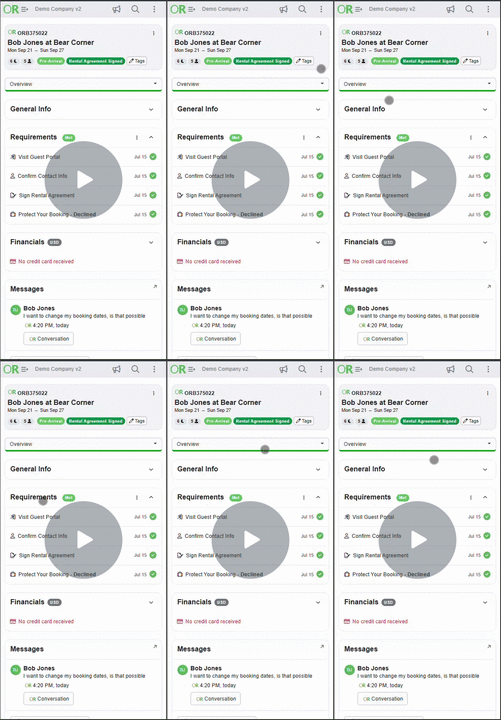
Navigate from Inbox to Booking Messages in Mobile - Watch Video
Show Future Automated Messages in Guest Inbox 4 replies

Thanks for sharing the Loom Steve.
Is the functionality there via the app? That's where we're communicating 90% of the time and I attempted to follow the same click path but when I click on booking and messages it just shows the current messages.
Show Future Automated Messages in Guest Inbox 4 replies
Hello,
I agree this could be a nice enhancement to the Inbox experience. Being able to see and manage upcoming scheduled messages without leaving the conversation would make those situations much easier to handle, especially when guests change their plans. That said, we'd also want to be careful not to further clutter the Inbox, since its primary purpose is to help users focus on incoming guest communications.
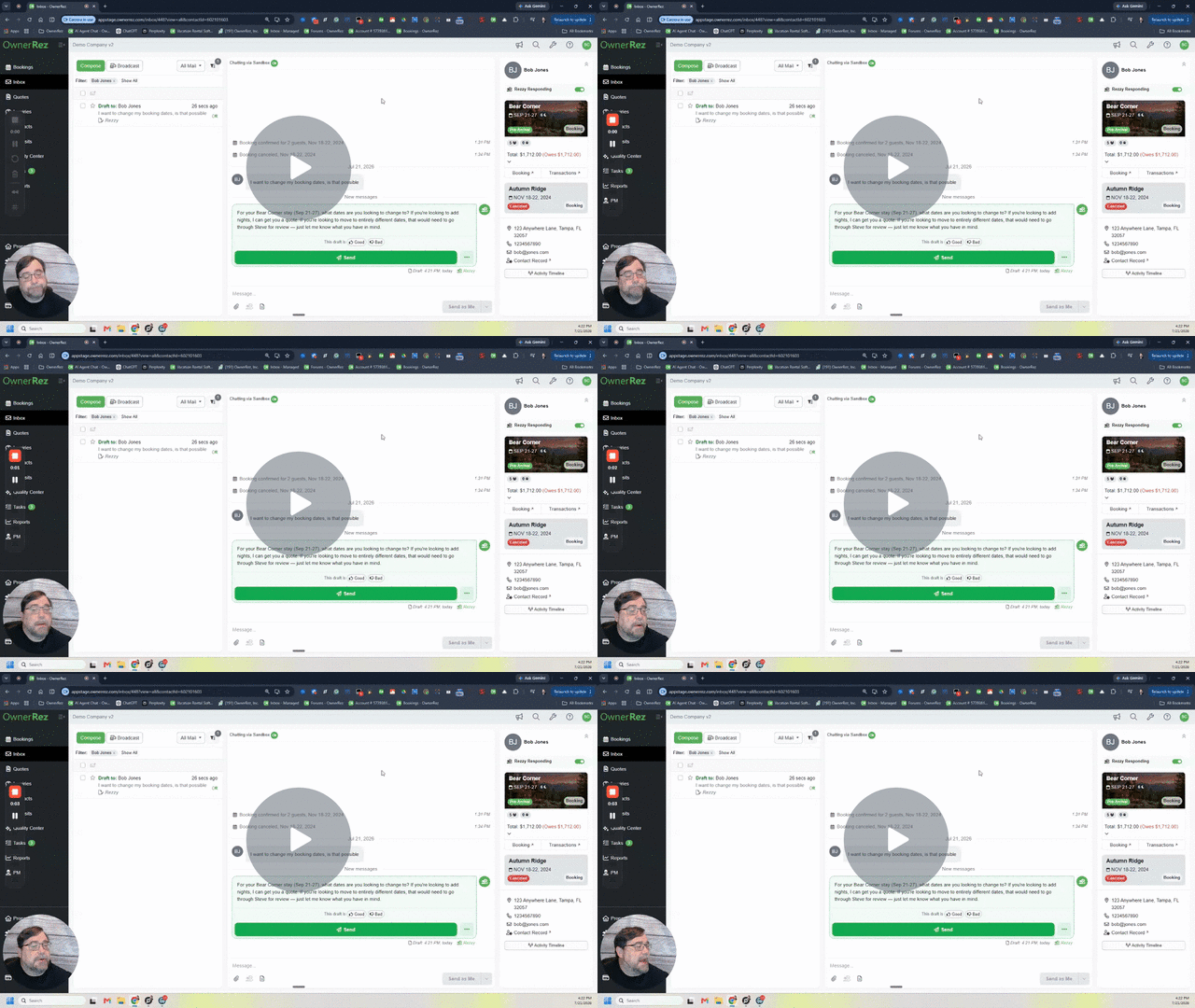
In the meantime, this functionality is available from within the booking itself. You can view and manage scheduled messages by opening the specific Booking and navigating to the Messages tab. There you'll see all upcoming triggered messages, along with their scheduled send times and current status (Pending, Sent, Failed, etc.).
From the Actions menu, you can also choose to Skip a scheduled message or Send Now if needed.
Let me show you how that works:
Control Triggered Guest Messages starting from Inbox - Watch Video
I can certainly see the convenience of having this information surfaced directly in the Inbox, so I appreciate you taking the time to share your experience.
This Feature Request is open for the community to vote on. The more feedback and votes we receive on a request, the better we can gauge customer demand, which helps our Product team prioritize items for future roadmap planning and development.
-Steve
True webp Support/Usage 4 replies
Thanks for the detailed feedback, Elliot (and Sean, appreciate you hopping in too).
To clarify what's happening today, WebP/HEIF uploads are supported on the input side, but we convert to JPEG for the final delivered image. That's intentional. Browser support for WebP is broad but still not universal, and compatibility issues with newer image formats aren't hypothetical for us; we've run into real problems with HEIC in the past, for example. JPEG remains the safest common denominator across the wide range of browsers and devices.
On the performance side, WebP typically runs 10-20% smaller than an equivalent JPEG, so a 300KB photo might land around 240KB. That's real, but the impact on load time depends heavily on where the bottleneck actually is. Our property photos are already compressed, served in appropriately sized crops for where they're displayed and delivered through a global CDN, so the images themselves are loading in well under 50ms in most cases regardless of format. The kind of load-time or SEO impact WebP is known for mostly shows up when the alternative is multi-megabyte, uncompressed images served from a slow or non-CDN origin. That's not really the situation here, so the practical difference for most accounts would be marginal.
All that said - I'll leave this open for voting. For now, it's not something we have planned in the near term.
Show Future Automated Messages in Guest Inbox 4 replies
We've used Hostaway previously and this was a feature that is was such a benefit to have.
Instead of having to to click through three submenus then search for a trigger message for a specific guest you simply click on the guests inbox and below your "present" communication are all of the scheduled messages. If you don't want to send one or edit it you just click it to change.
Event for the short amount of time we've been using OwnerRez this has been one of the biggest headaches to navigate because guests change plans and it's difficult to search and change messages.
Task Webhook Event with Urgency/Category Metadata 2 replies

The problem:
Rezzy identifies and flags tasks as "Urgent" and "Maintenance" via its task detection. However, there's no way to get real-time SMS or voice notification when both conditions are true simultaneously without notification overload. Currently, we would get an email for every task, or need to depend on someone going in to assign the task. This still depends on someone being alert 24/7 for the low chance of an urgent issue.
What I've already checked:
- Messaging Mode and Escalation Behavior settings (Rezzy AI Settings) — no task-level urgency routing to SMS/voice
- Developer/API Settings — no
taskevent type listed among available webhooks - Task notification channels are currently limited to email/push only
Specific asks:
- Add a
task.created/task.flaggedwebhook event (or equivalent API endpoint) that fires with task metadata including urgency level and category, so we can build our own routing logic reliably via API instead of parsing emails. - If webhooks aren't on the roadmap soon, at minimum expose task urgency/category as filterable fields in existing email notifications (e.g., a consistent subject-line tag) so third-party automation tools can parse reliably instead of fragile text-matching.
Conditional Auto-Send Rules for Rezzy AI 2 replies
My primary objective with using Rezzy AI is so I don't have to be glued to my phone and buy back my time and attention.
Right now, I have Rezzy on Draft Only mode b/c I haven't perfected all the directives. If I were to put it to respond automatically, some stuff would be wrong and take even more time to rectify. The problem is that I still need to press approve on all messages.
It would be great to have conditional auto-send rules for Rezzy AI -- send the high confidence x low risk messages automatically, and escalate the low confidence x high risk messages to me. So effectively, I should only be alerted / looking at my phone for guest comms if there is a low confidence &/or high risk draft.
We could look into defining a risk spectrum, or inquiry classification help with this routing. Wifi questions --> auto respond. Urgent maintenance problems --> escalate.
Granular Team Member Permissions 2 replies
[This topic has been merged with another topic (Granular User Permissions for Department-Based Access). All unique votes have also been merged.]
Granular User Permissions for Department-Based Access 16 replies
[Another topic was closed as a duplicate of this topic (Granular Team Member Permissions)]
Tasks API... 5 replies

Hello folks, sorry we missed responding to this thread earlier.
This is a feature request so I'm moving it the Feature Request forum where it can garner votes and community support.
However, I can also announce that we are actively working on a Tasks API. I don't have a release date yet, but it's coming soon!