
Adding the ExpediaGroup.com API creation tickets to the SA
Adding the SA to those Expedia tickets - Watch Video
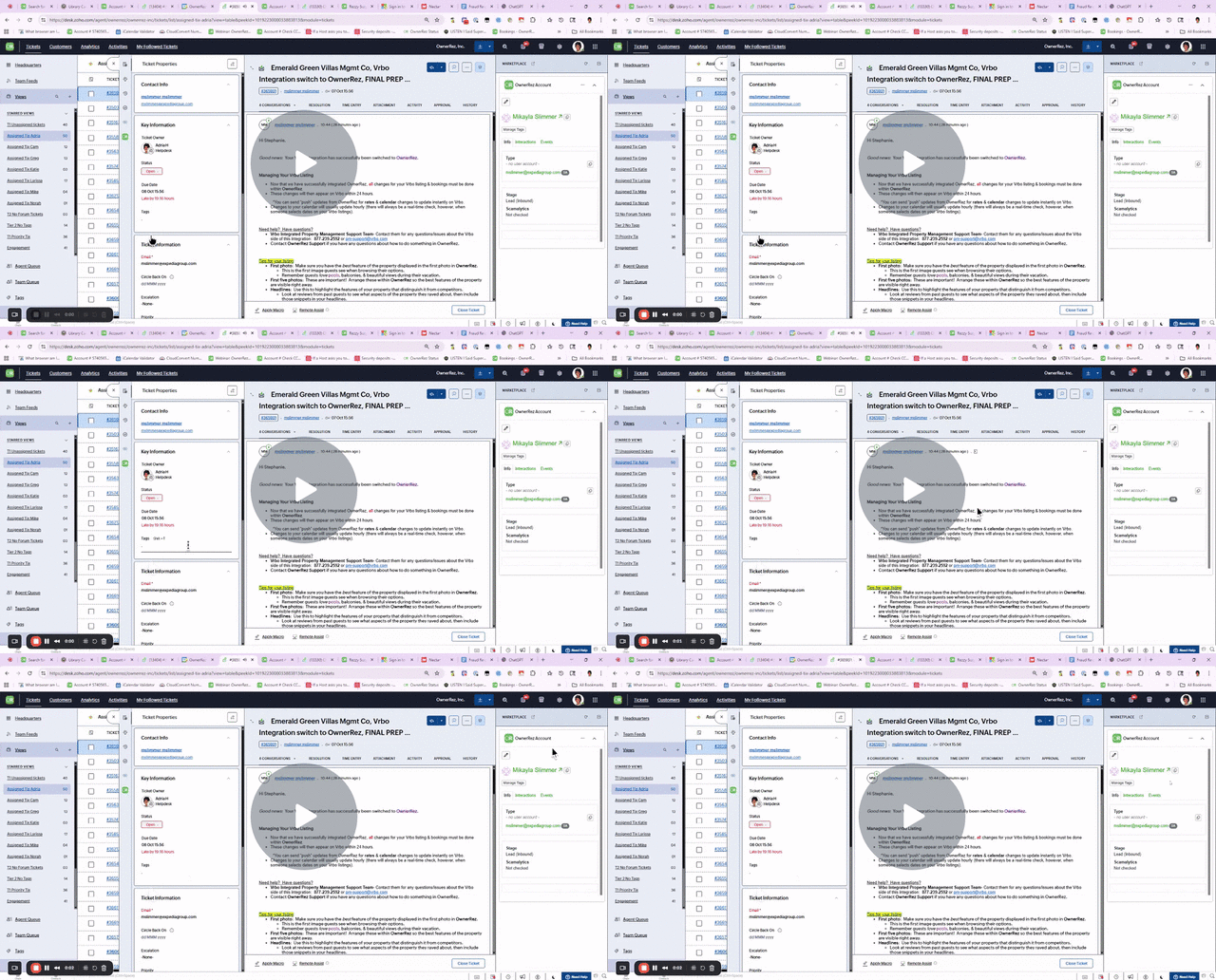
Handling Vrbo problems that need help but not necessarily Shelby:
-
Always add to the Vrbo tracking doc.
-
Include the ZD ticket link in the email (that helps us identify it when Shelby replies)
-
If it’s an issue with one single account, email to IPM support at pm-support@vrbo.com / vrboipmsupport@expediagroup.com and always CC the client’s email address(es). Best done via a ZD ticket, NOT plaintext (Gmail) email. CC Adria and Shelby in ZD. DO NOT open-CC them in plaintext email! 877-239-2592
-
If it’s a larger tech issue affecting multiple accounts, email (NOT ZD) T2 at TierTwoIntegrationSupport@expedia.com but DO NOT CC the client. CC Adria and Shelby, maybe also dev/Chris if they are involved
-
Spreadsheet should have every Vrbo problem that has required direct communication by us to anyone at Vrbo
-
What should be emailed? When we couldn’t make it work by us troubleshooting or by telling the client to talk to Vrbo directly. Always include a Vrbo case ID from the client’s call/email to Vrbo, if possible (especially T2 at Vrbo!).
Known Issues needing Vrbo direct interaction to fix
API Integration complete, Status Check contains "The HTTP request failed with status code Forbidden" ("Red Wall of Text" error)
This is a known error for Vrbo that is under investigation by Vrbo (as of April 2025), that usually happens after integration projects are complete. Clients should wait 24 hours and check again if the error still shows from the same activity (Listing Status Check, erroring while sending a channel message, etc) and if so we need to send the Account ID to Shelby for her to fix the permission.
NOTE: If these are seen in higher frequency than normal, reach out to Shelby (after checking with Dev team first to see if they've reached out to her or Jill already) and let her know. January 2026 had a brief Vrbo outage that prevented inquiries from coming in, prevented messaging from sending, and prevented integration projects from completing while displaying this error.
Invalid ID. An ID with IdSource of 'SUPPLIER' does not exist or you do not have permission to access it.
This is an error saying that the API connection is not active.
Users mid-integration project will see this, that is expected.
Upon notification by the Onboarding Specialist that they've completed the API integration, some Vrbo accounts will still not show the API connected when you look at Check Status, even though "Synced" times are recent.
Give the system 24 hours to finalize, if this error still exists then next steps should be taken:
Let the Onboarding Specialist know they can close their project, if they are copied on the ticket (if the active ticket is from their Integration Project). Inform the client that you're going to reach out to Vrbo to get this escalated. Explain that Rate and Availability details are usually pushing to Vrbo while this error is displaying, but listing content may not continue to update until it is resolved. They should verify this on the Vrbo Dashboard, and Snooze the listing if it is not accurate.
Forward our support ticket to Vrbo IPM Support at pm-support@vrbo.com with the Snippet /vrbopermission, ensuring to fill in the Advertiser ID for the client's integration channel.
Inactive:
Client to check properties on Vrbo:
- Do they need PPB form signed?
- Can they be reactivated?
- Are they archived & need to be unarchived?
- Is their property set up to require proactive activation on Vrbo
- Could be needing tax/city regulatory info, which PM support must enter
- See the checkpoints article:
https://www.ownerrez.com/support/articles/Vrbo-API-Checkpoints - Run LQA to be sure no content is missing (this is usually when they get the advertiser ID error, no checkpoints)