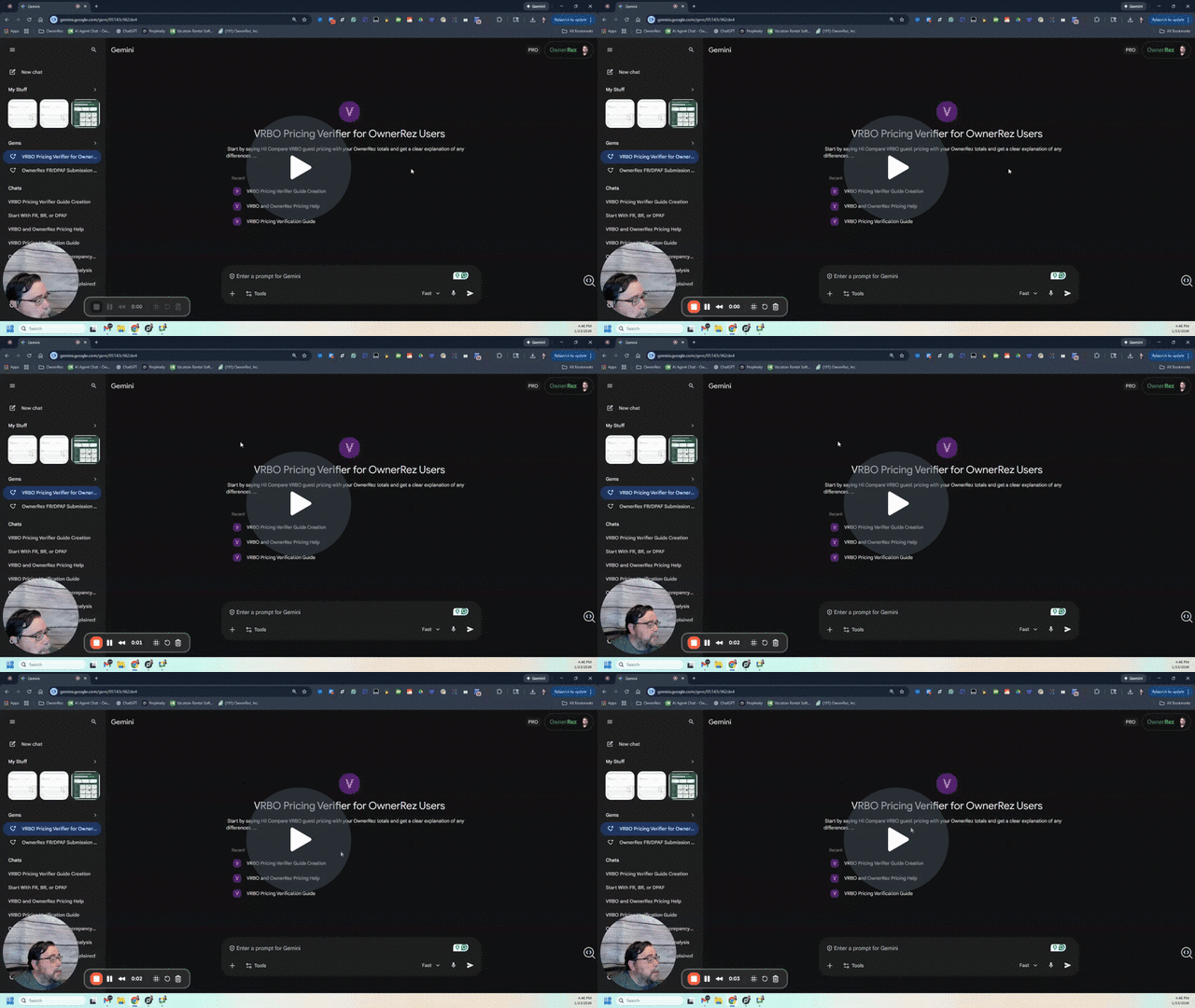
🔍 VRBO Pricing Verifier: User Guide
What is this tool?
The VRBO Pricing Verifier is a specialized AI assistant designed to help vacation rental hosts bridge the gap between their OwnerRez settings and what a guest actually sees on VRBO.
It takes the "math headache" out of channel management by comparing your internal rate data against the live traveler quote, identifying exactly where every penny is going.
How it Helps You
- Verifies Accuracy: Confirms if your rates, surcharges, and taxes are flowing correctly from OwnerRez to VRBO.
- Explains the "Gap": Clearly identifies the VRBO Guest Service Fee and how it affects the final total.
- Identifies Tax Mismatches: Spots when VRBO is calculating taxes differently than your OwnerRez settings.
- Builds Confidence: Gives you the exact breakdown you need to explain pricing to a guest or troubleshoot your channel settings.
How to Use It
To get an accurate analysis, you simply need to provide the AI with two sets of data. You can either type these in or upload screenshots (recommended).
Step 1: Get your OwnerRez Data
Go to Settings > API Integrations > VRBO > Channel Rate Tester. Run a quote for specific dates and scroll to the Charges Grid at the bottom.
Step 2: Get your VRBO Data
Go to VRBO as a traveler and find your property. Select the same dates and guest count used in Step 1. Go to the checkout page and click on "Price Details."
Step 3: Let the Verifier do the math
Upload both screenshots or paste the numbers into the chat. The Verifier will instantly provide:
- A side-by-side comparison of Rent, Surcharges, and Taxes.
- The exact dollar and percentage difference.
- A plain-English explanation of why the totals might differ (e.g., blended fees or tax rounding).
Common Troubleshooting Scenarios
- "The VRBO total is higher than my quote": Usually the Guest Service Fee or a "blended" nightly rate.
- "The taxes are slightly off": Likely a difference in how VRBO handles tax-on-tax or specific jurisdictional rules.
- "The nightly rate is different": Often caused by OwnerRez's "Stay Adjustments" or "Channel Multipliers" being applied.
Ready to start?
Click here to launch the VRBO Pricing VerifierPro Tip: If you aren't sure which screenshots to take, click here for a visual guide.