
Book With Haven turns your OwnerRez listings into a branded, commission-free direct booking website with its own checkout, guest portal, digital guidebooks, and guest messaging.
Connect OwnerRez once, and your properties, rates, fees, availability, and bookings stay synchronized automatically. OwnerRez remains your source of truth, while Haven helps you build your brand and generate direct bookings.
Ensure the Integrated Sites premium feature is enabled by navigating to your OwnerRez account. If this is not enabled, Book With Haven won't be able to sync listing data from OwnerRez to update your website.
Steps for Integration
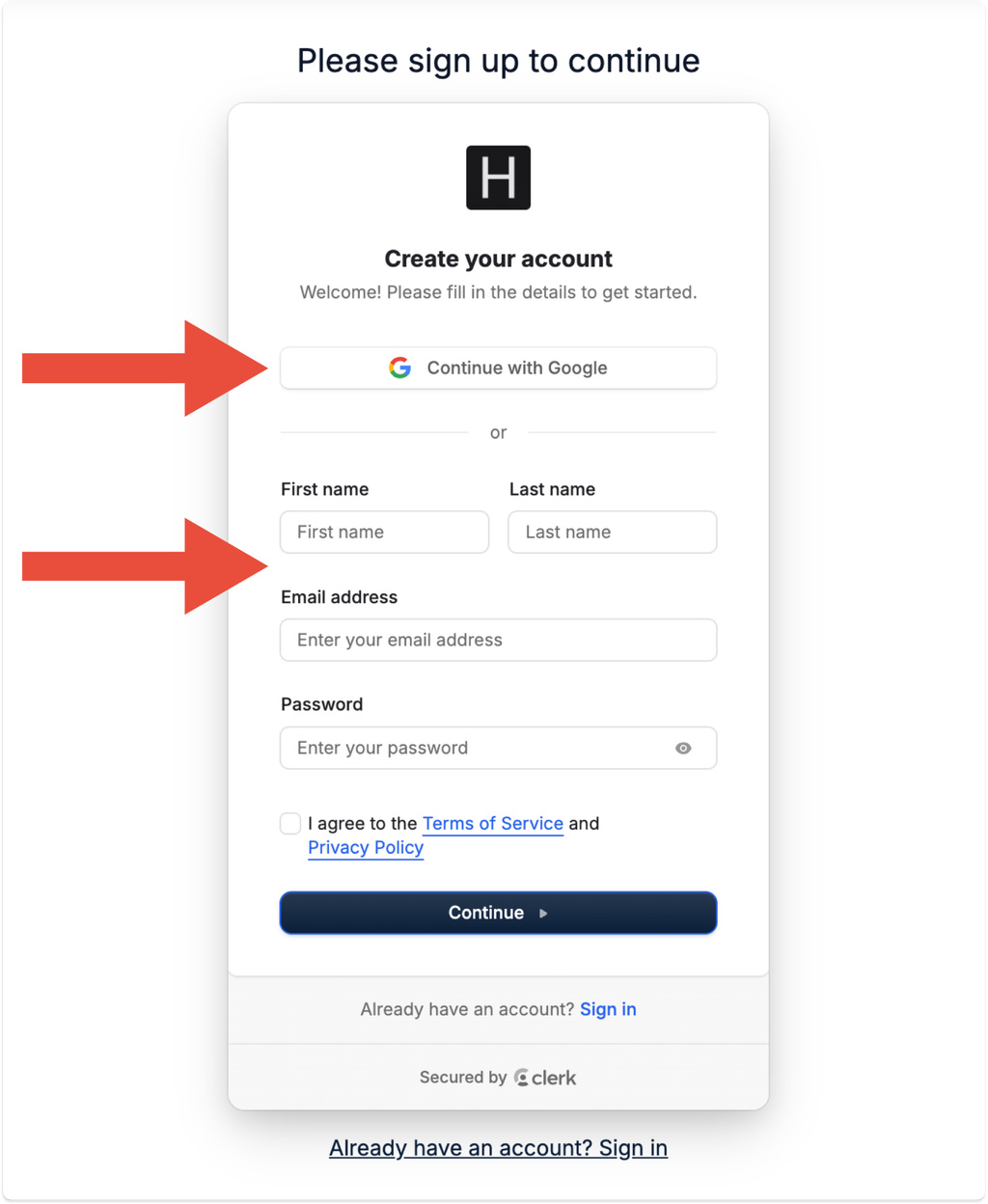
1. Go to Book With Haven and click Get started, and sign up using Google or your email.
2. During onboarding, when Haven asks you to connect your property management system, select OwnerRez.
3. Click Connect under OwnerRez.
4. You will be taken to the OwnerRez authorization page. Log in if needed, and then click Authorize to connect your OwnerRez account.
5. You will be returned to Haven, where you can choose which OwnerRez properties to import. Photos, descriptions, rates, fees, availability, and property details will sync automatically.
6. Finish onboarding to launch your branded direct booking website. OwnerRez reservations and blocked dates will sync to Haven, and direct bookings made through Haven will automatically be added to OwnerRez. Click try it free at the end of onboarding to view your site, only pay when you want to enable bookings and remove the watermark.
Nothing else needs to be configured inside OwnerRez.
Already have a Haven account?
If you have already completed onboarding, log in to Haven and go to Host Dashboard → Integrations.
Click Connect under OwnerRez and complete the authorization process. Then select Import properties to bring your OwnerRez listings into Haven.
The connection and synchronization work the same way as they do during the initial onboarding process.
Here is a short video tutorial: Sync OwnerRez with Haven.
Support
For support, contact Book With Haven.
What Data is Transmitted
Haven reads the following information from OwnerRez:- Property name, type, address, and guest capacity
- Property photos and descriptions
- Check-in and check-out times
- Guest access instructions
- Amenities and Wi-Fi information
- House manual content
- Nightly rates and availability
- Minimum-stay requirements
- Check-in and check-out day restrictions
- Cleaning, linen, pet, resort, community, management, and additional-guest fees
- Weekly and monthly discounts
- Bookings and blocked dates
- Booking arrival, departure, and status
- Guest first name, last name, email address, and phone number
Haven writes the following information to OwnerRez:
- New direct bookings made through Haven (created as guest bookings that block the calendar dates)
- Guest records associated with those bookings (first name, last name, email address, and phone number)
- Booking arrival date, departure date, and property
- Guest counts and the total booking amount, both included in the booking notes
Before creating a new guest, Haven searches OwnerRez for an existing guest with the same email address to avoid creating duplicate guest records.
OwnerRez remains the source of truth for rates and availability. Haven does not write rates or availability back to OwnerRez.