
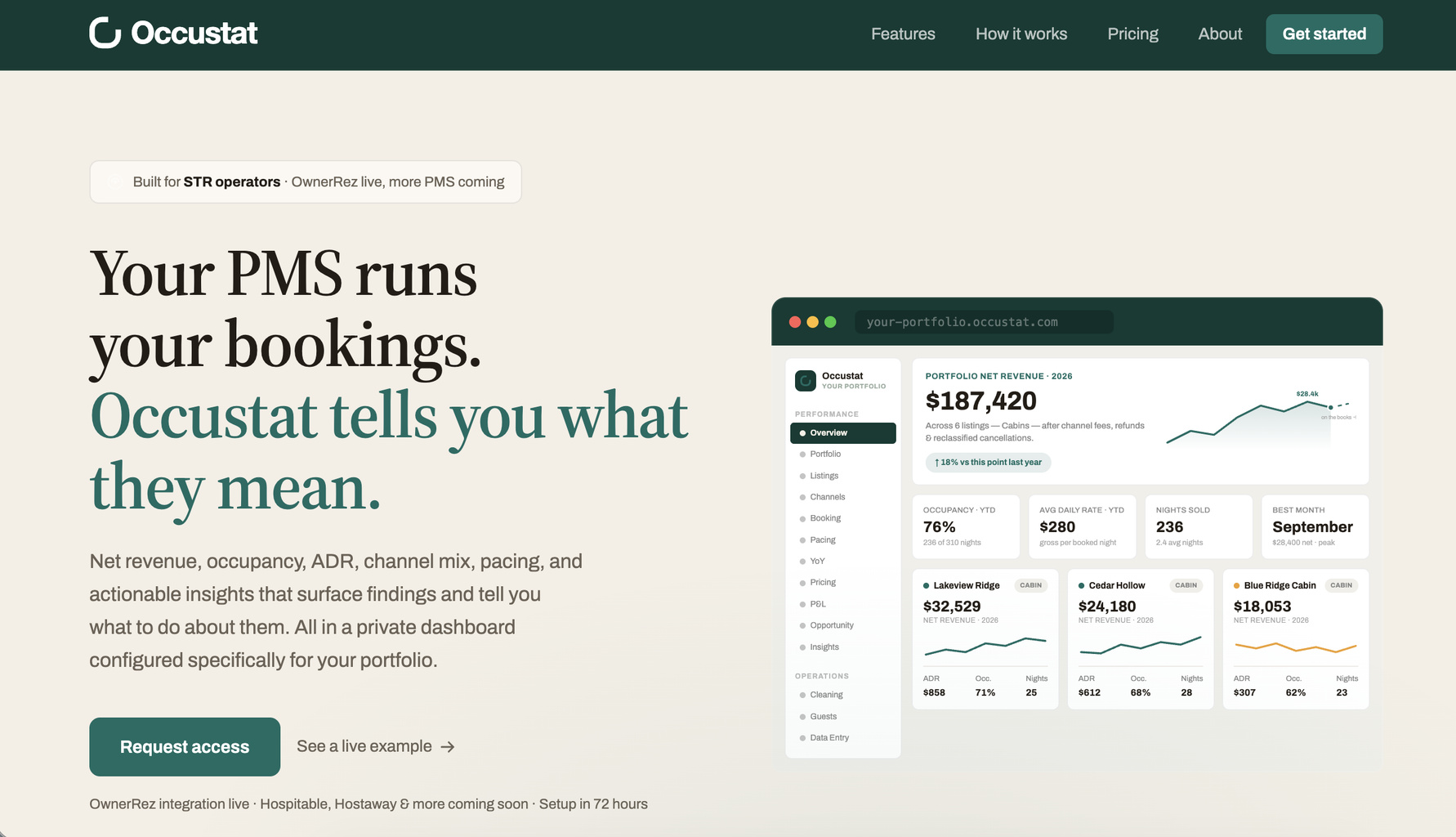
Occustat is an analytics dashboard for short-term rental operators. It reads your booking data and shows net revenue, occupancy, average daily rate (ADR), channel mix, and pacing for your properties.
Occustat connects to OwnerRez through a one-click authorization. For a walkthrough with screenshots, see the OwnerRez + Occustat: Integration Guide (PDF).
Steps for Integration
You need an active OwnerRez account. There is nothing to install.
- Go to Occustat
- Go to occustat.com and click Get started in the top right.
- Sign up
- Enter your contact information and your company or property name.
- Choose a plan, Starter or Portfolio. See Occustat pricing for current plans.
- Pick a 4-digit PIN, which keeps your dashboard private.
- Continue to payment.
- Connect your OwnerRez account
- After checkout, Occustat takes you to OwnerRez.
- Sign in to OwnerRez and approve access.
- Open your dashboard
- Your dashboard starts building right after you approve access. It is usually ready within a few minutes.
FAQ
Does Occustat see my OwnerRez password?
No. You sign in and approve access on OwnerRez, and Occustat never sees your OwnerRez password.
Can I disconnect Occustat from OwnerRez?
Yes. You can disconnect Occustat from your OwnerRez settings at any time.
How long until my dashboard is ready?
It starts building as soon as you approve access and is usually ready within a few minutes.
What guest information does Occustat read?
Occustat reads the guest's first and last name and the city, state, and country from their default address. It never reads their email, phone number, street address, or payment information.
Does Occustat change my OwnerRez bookings or properties?
No. Occustat does not create, change, or delete bookings, guests, properties, rates, or messages. The only thing it writes is a temporary quote that it deletes right away.
Support
Questions about Occustat? Contact the Occustat team at hello@occustat.com.
What Data is Transmitted
What Occustat reads from OwnerRez
- Property name and ID, to build the structure of your dashboard
- Booking details for every reservation: arrival and departure dates, status, listing site, booking date, and total amount
- Charge lines on each booking, which separate rent from cleaning fees, pet fees, and other surcharges
- Guest first name, last name, city, state, and country, from the guest's default address only
- Current nightly rates, read through a temporary quote
What Occustat writes to OwnerRez
- One temporary quote for each rate check. Occustat creates it on an unbooked date to read back the current nightly rate and deletes it in the same run. No guest is attached to the quote, and nothing is sent to anyone.
Occustat never reads guest email addresses, phone numbers, street addresses, or payment information. Nothing else is created, changed, or deleted in your OwnerRez account.